Room bookings made over email. Visitor registers filled in by hand. Key cards issued to contractors who left six months ago. Every one of those failures means an unauthorised person in a restricted space, a meeting room that sits idle while someone hunts for an available slot, and an operations team spending hours on admin that should take minutes.
Fortuna’s meeting room and coworking space management system replaces every legacy method with one platform. AI facial recognition secures every door in under one second. A real-time booking engine eliminates double bookings. Automated attendance tracking logs every entry without manual input. All managed from one cloud dashboard, enforced at every room and zone, across every location you operate.
Trusted by 20,000+ businesses including Tata Steel, Bosch, L&T, and IIT Hyderabad.

Trusted by India’s leading security teams
Most organisations do not realise how much revenue and operational capacity they are losing until they measure it. A meeting room double-booked because two teams relied on the same shared calendar. An unauthorised visitor in a restricted area because nobody checked the paper log. A facility manager spending three hours on a Friday compiling occupancy data that should take three minutes.
The problem is not that businesses lack booking tools. The problem is that those tools — shared calendars, paper sign-in sheets, manual key handovers — were never designed to enforce access rules, prevent no-show waste, or produce the utilization reports that investors and compliance audits demand. Most coworking management tools handle bookings but ignore physical access control. Most access control systems do not talk to booking platforms. The result is two or three disconnected systems, none of which give you a single, accurate picture of how your spaces are being used.
The cost is direct and hidden. Direct costs include lost booking revenue when rooms sit idle and security incidents when access controls are manual. Hidden costs include the staff time spent managing keys, investigating unauthorised access, and manually compiling reports. An integrated meeting room and access control platform eliminates these problems at the source — before a room is double-booked, before an unauthorised person reaches the door.
Higher room utilization with integrated booking and access
Organisations that replace paper-based guard logs with biometric checkpoint verification report a measurable reduction in incidents. Biometric records cannot be pre-filled, backdated, or fabricated.
Systems replaced by Fortuna’s platform
Manual steps in the access and attendance log
Built for every stakeholder
Fortuna’s meeting room and coworking space management system is used daily by four organisational roles — each with different requirements and a different view of what the platform needs to deliver.
Your tenants expect room reservations without reception queues, QR-based visitor entry, and 24/7 secure access without carrying key cards. Fortuna gives your members AI facial recognition entry, self-service booking, and a real-time occupancy dashboard so you can prove utilization rates to investors and scale with data-driven confidence.
Double bookings, ghost meetings, and manually updating room schedules drain your team's time. Fortuna's meeting room management module syncs with your existing calendar systems, auto-releases rooms after no-show timeouts, and gives you consolidated occupancy analytics across every floor and location.
You lease meeting halls, event spaces, or serviced offices to multiple tenants. Fortuna provides tenant-level access zones, usage-based reporting that feeds directly into your invoicing workflow, and AI-secured entry that removes the cost of issuing and managing physical access cards.
Fortuna offers REST APIs, SDKs, and pre-built connectors for Google Workspace, Microsoft 365, and major BMS platforms. Deploy without rearchitecting your stack. Every access event and booking record is available via API for integration with your existing BI and reporting tools.
Platform capabilities
Fortuna’s meeting room and coworking space management system is not a standalone booking tool or a separate access control platform. It is a single, cloud-managed system that combines AI facial recognition, conditional room access, real-time scheduling, and enterprise integrations — all under one roof.
Every authorised user's face is their access credential. Fortuna's AI engine identifies individuals in under one second, unlocking the meeting room door without cards, PINs, or manual check-in — only if they have a valid booking. Anti-spoofing algorithms detect photo and video bypass attempts. Every entry and exit is time-stamped and logged to the dashboard automatically.
External attendees who are not enrolled in the facial recognition database receive a time-bound QR code via email or messaging app. They scan the code at the room entrance — no app download, no reception queue. QR codes expire after a single use or a defined time window.
→ Integrates natively with Fortuna's visitor management system
Define granular access zones — an entire floor, a specific wing, a single room, or a time-restricted area. Assign zone permissions to individuals, teams, or membership tiers. Fortuna's access control engine enforces these zones at every entry point — a hot-desk member cannot enter a premium boardroom unless their plan includes that zone.
Fortuna can sync bi-directionally with Google Calendar, Microsoft Outlook, and Microsoft Teams. When an employee creates a meeting invite and assigns a room, Fortuna automatically reserves the space and provisions access for all invited attendees. If the meeting is cancelled or rescheduled in the calendar, the room booking and access permissions update instantly — no manual step required.
If no one checks in within a configurable grace period — default 15 minutes — Fortuna releases the room back into the available pool and notifies the organiser. This feature recovers 10–20% of wasted room-hours each month, turning idle space into bookable inventory without manual intervention.
Every facial recognition check-in doubles as an attendance record. Fortuna logs participant arrivals and departures for each meeting, generating automatic attendance reports exportable to HR or project management tools. Meeting analytics reveal patterns — average meeting duration, most-used rooms, peak booking hours, and no-show rates — giving facility teams the data to optimise layouts and policies.
Generate daily, weekly, or monthly reports on room utilization, peak-hour heatmaps, revenue-per-room, and access-event summaries. Reports can be scheduled for automatic delivery or pulled on demand. Data exports in CSV, PDF, and API-accessible JSON formats ensure compatibility with BI tools, property management platforms, and invoicing systems.
Manage rooms across multiple buildings, cities, or tenant organisations from a single admin console. Each tenant or business unit can have its own booking rules, access policies, and branding — while you retain a unified cross-portfolio view of utilization, security events, and maintenance schedules.
Fortuna exposes a full REST API and SDK — enabling integration with building management systems (BMS), HRMS platforms, ERP software, and custom applications. Pre-built connectors are available for SAP, Oracle, Zoho, and greytHR. If your system can make an API call, it can connect to Fortuna.
→ The same integration engine that powers Fortuna's biometric attendance system
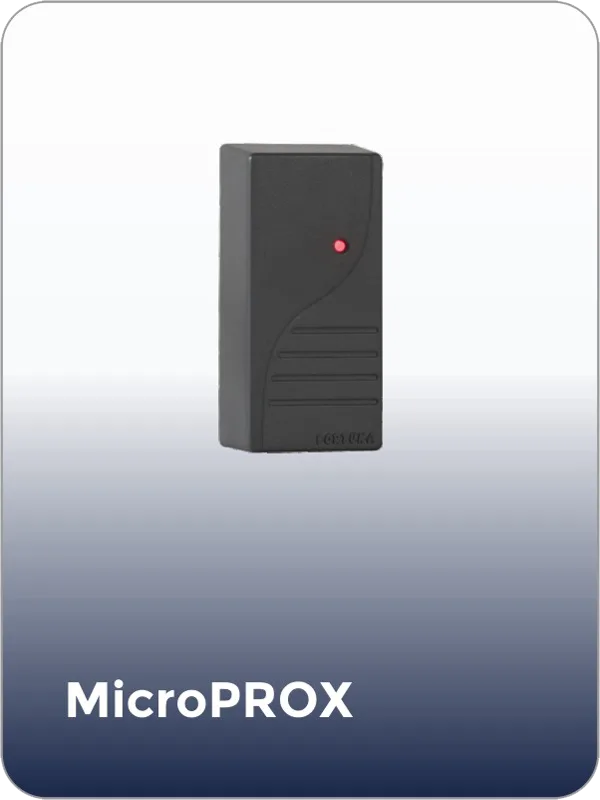
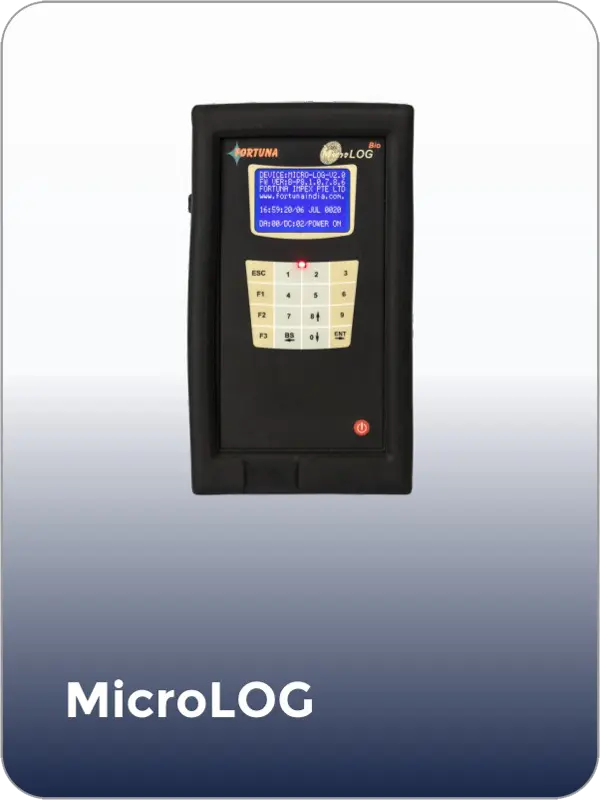
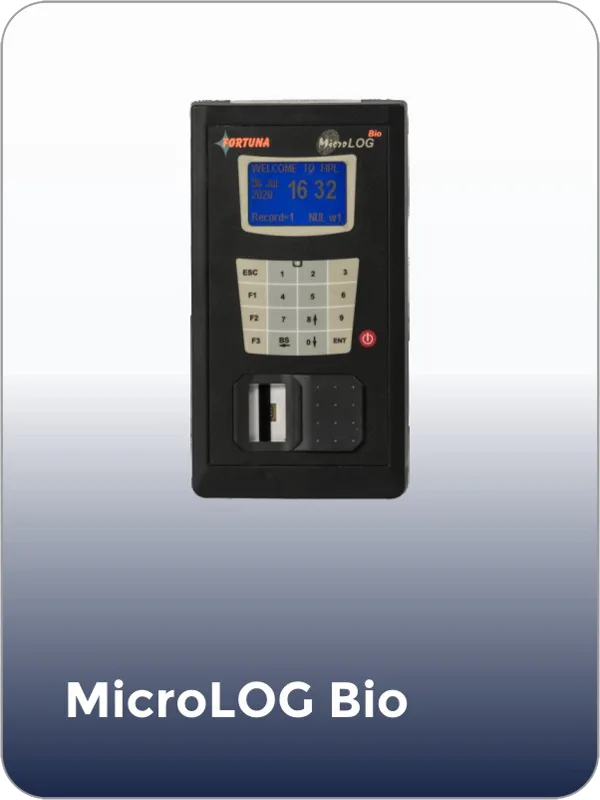
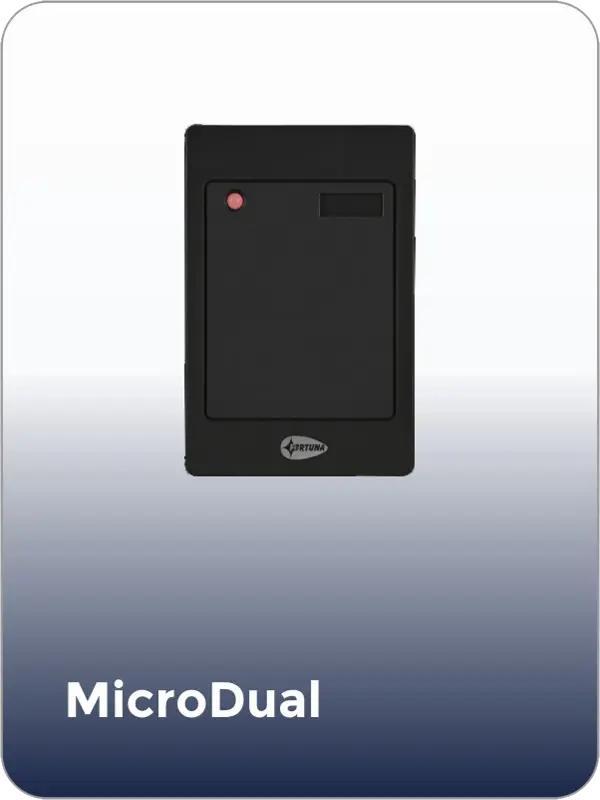
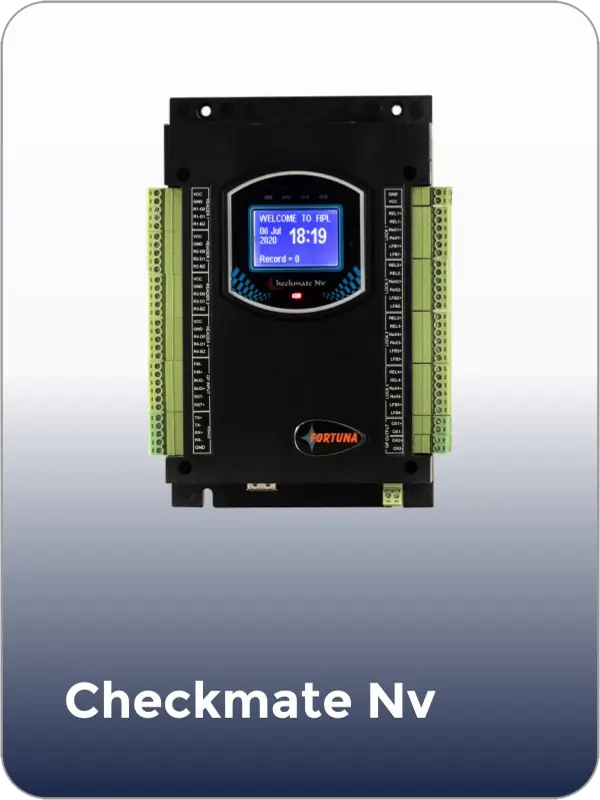
Compatible devices
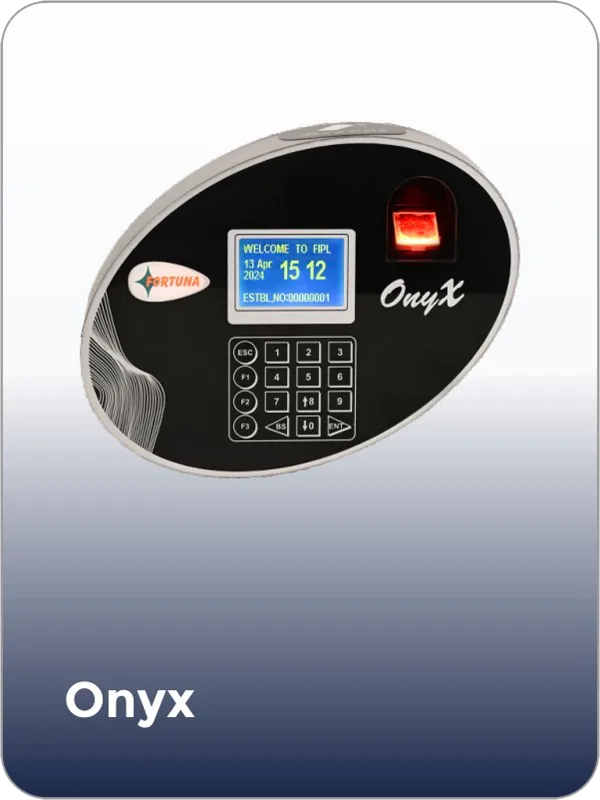
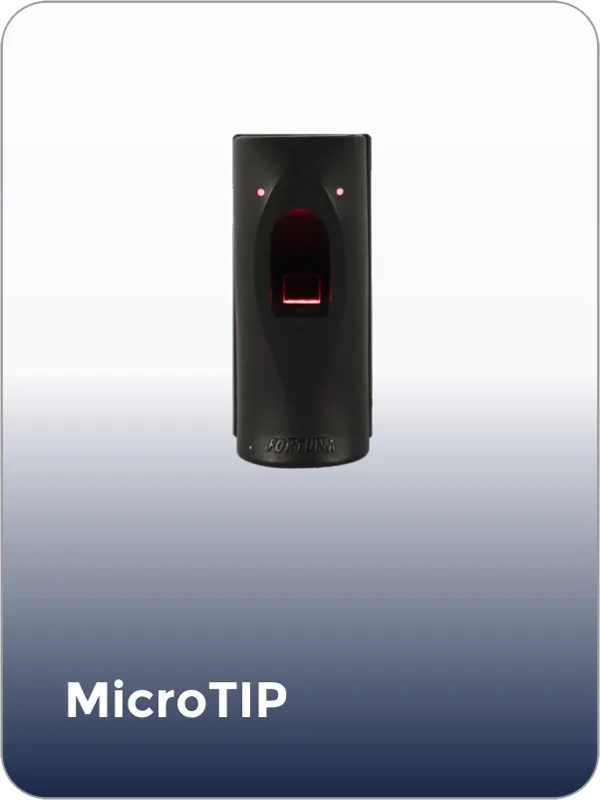
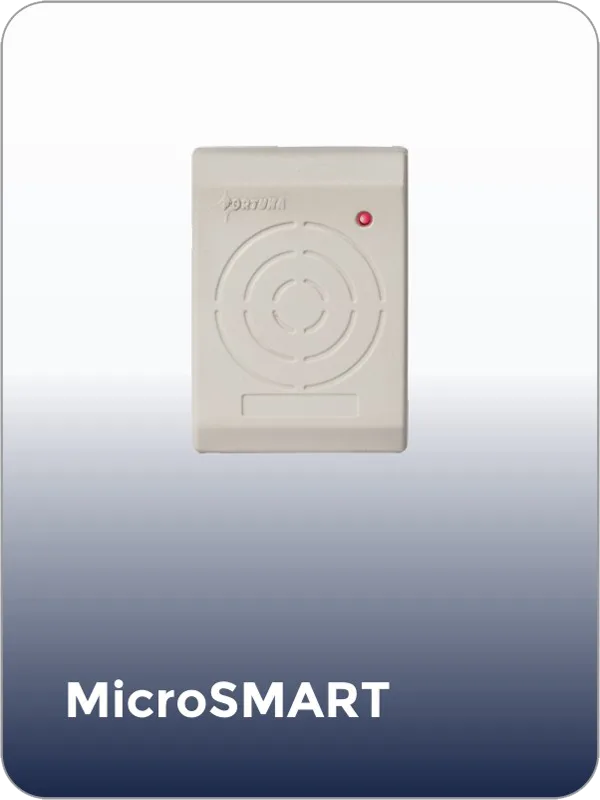
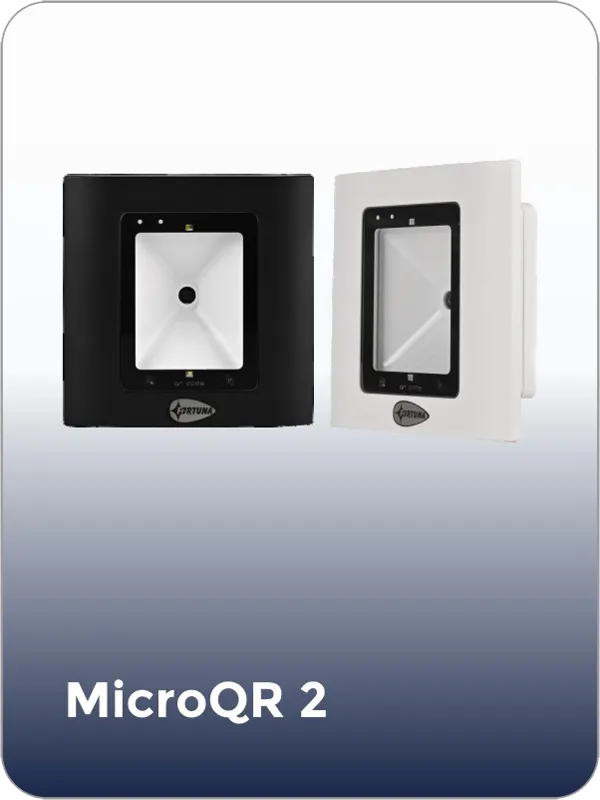
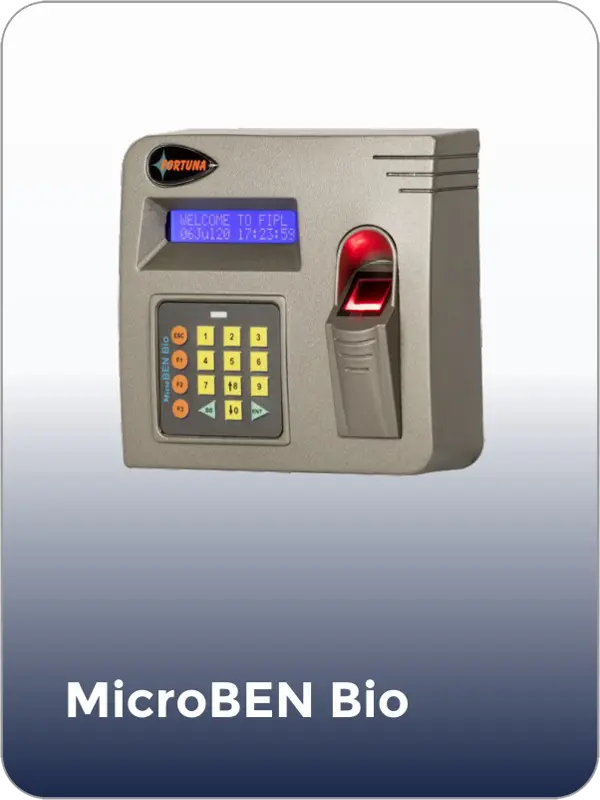
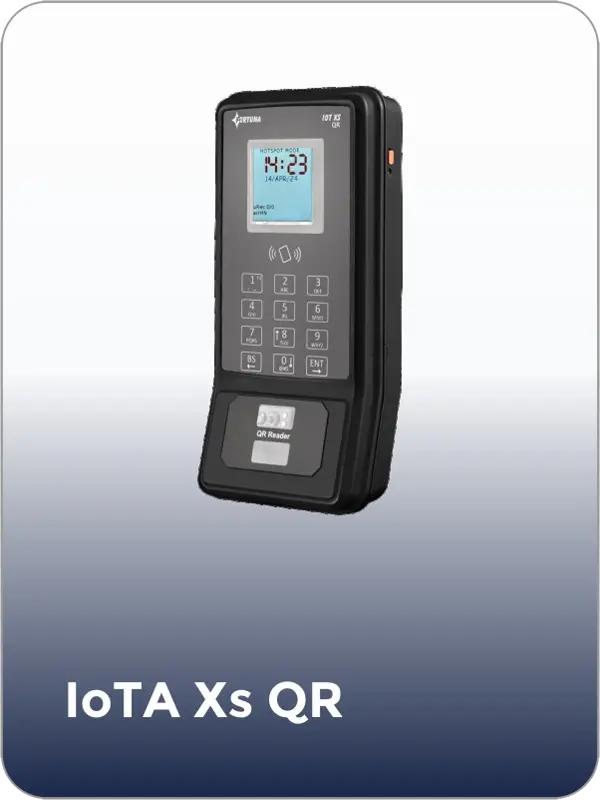
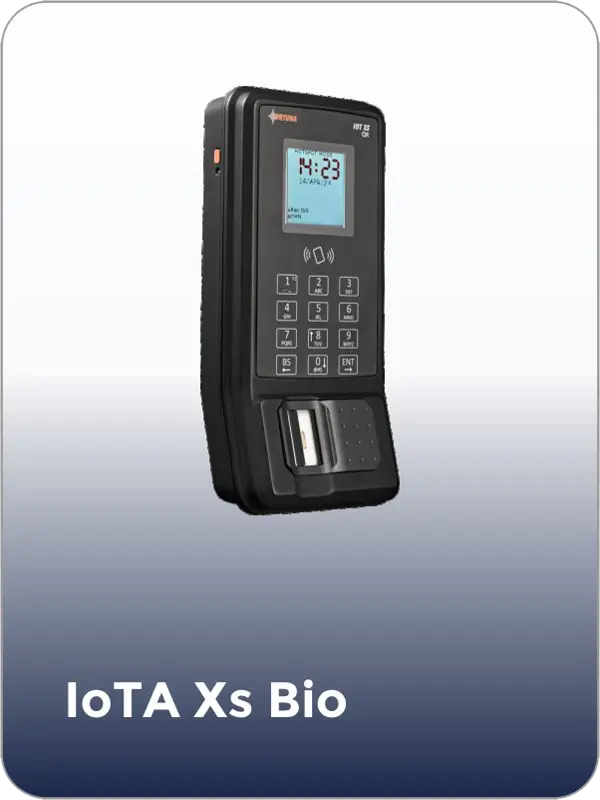
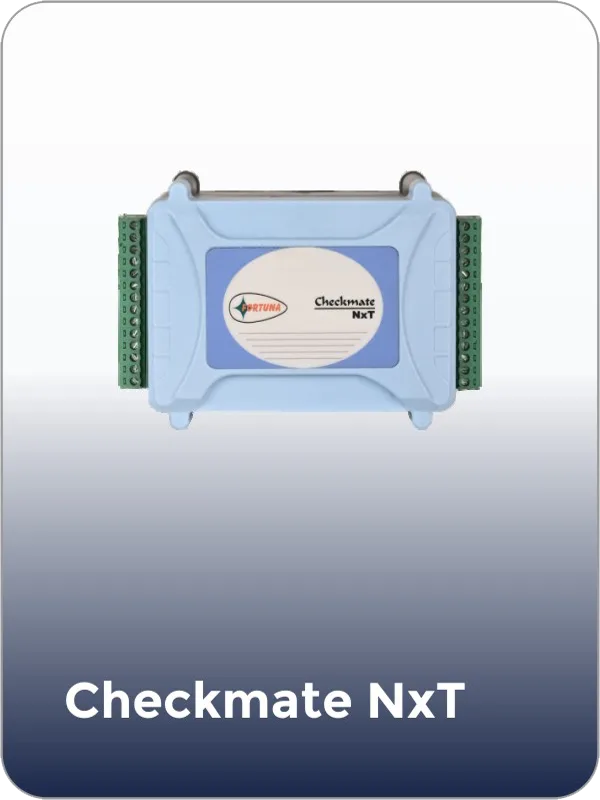
Book a 20-minute walkthrough. We will show you exactly how the meeting room and coworking management system maps to your floor plan, your zones, and your security requirements. No commitment.
Or call us: +91 7550 670 670
The workspace cycle
Five steps from installation to live analytics — fully automated, no manual input at any stage.
Fortuna's compact face-recognition terminals mount beside each meeting room or coworking zone entrance. Installation takes under 30 minutes per door. Each terminal connects via Wi-Fi or PoE Ethernet and includes a dual camera, infrared depth sensor for anti-spoofing, and an integrated QR scanner.
Employees, tenants, and regular members enrol by capturing a face image at any terminal or through the admin portal. For large deployments, administrators bulk-upload user profiles from HR, CRM, or membership databases via CSV or API. Each user is assigned to one or more access zones and membership tiers.
Through the admin dashboard, define each room's capacity, amenities, booking window, maximum duration, auto-release grace period, and access zone. Set tenant-level policies so different companies or membership plans see only the rooms and time slots they are entitled to book.
Members and employees book rooms through the web portal, mobile interface, calendar integration, or in-lobby kiosk. At the scheduled time, they gain entry via facial recognition in under one second. Visitors scan a one-time QR code. Every entry and exit is logged automatically.
The admin dashboard surfaces real-time occupancy, utilization trends, no-show rates, and revenue-per-room metrics. Facility managers use these insights to adjust booking policies, reassign underused rooms, and justify expansion plans. Reports can be automated for weekly or monthly delivery.
Industry coverage
Fortuna’s meeting room and coworking space management system is deployed across fundamentally different facility types. The platform is the same. The configuration, access rules, and booking policies adapt to each environment.
Coworking operators manage a shifting mix of hot-desk users, dedicated-desk members, and private-office tenants — each needing different levels of room access. Fortuna automates tiered access permissions so a basic-plan member books common meeting rooms while premium members access executive suites. Real-time utilization data helps operators decide when to convert underused desks into new meeting rooms.
Large enterprises with 20+ meeting rooms across multiple floors face chronic double-booking and ghost-meeting problems. Fortuna's calendar sync and auto-release features eliminate both, while zone-based access ensures the executive boardroom is available only to leadership and their approved guests. Integrated attendance tracking replaces manual meeting sign-in sheets entirely.
Serviced-office providers lease meeting rooms by the hour to multiple tenants. Fortuna tracks per-tenant, per-room usage down to the minute — generating automated billing inputs that feed directly into invoicing systems. Tenant-level access policies ensure one company's employees cannot enter another company's reserved space, enforced through facial recognition without shared cards that can be copied or lost.
Conference venues handle hundreds of attendees across multiple breakout rooms in a single day. Fortuna's QR-based guest access lets event organisers pre-register attendees who receive unique access codes — no badge printing, no reception bottlenecks. Organisers get real-time headcounts per room and session-level attendance reports delivered automatically after each event.
Hardware compatibility
Fortuna designs, manufactures, and deploys every hardware component — from the face-recognition terminals at each room entrance to the cloud software that ties everything together. Hardware and software come from the same company. Zero compatibility issues. Real-time data sync. One support contact for everything.
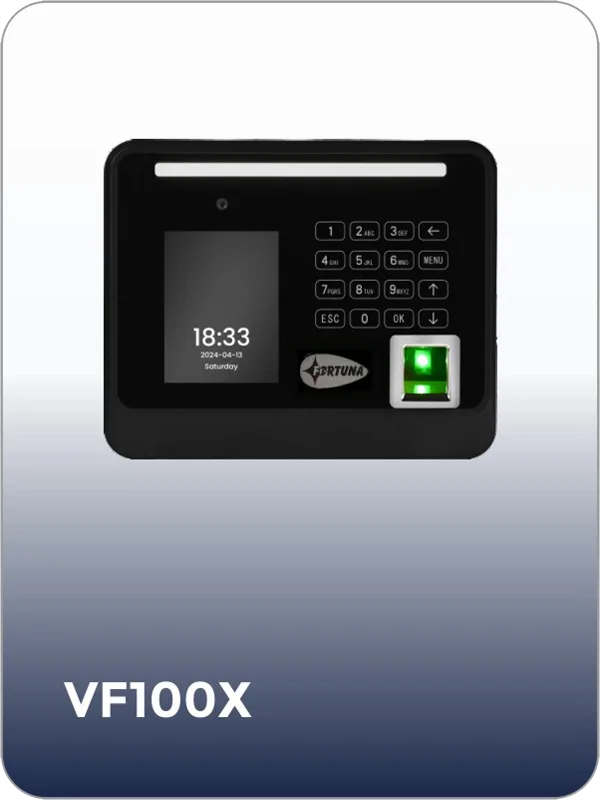
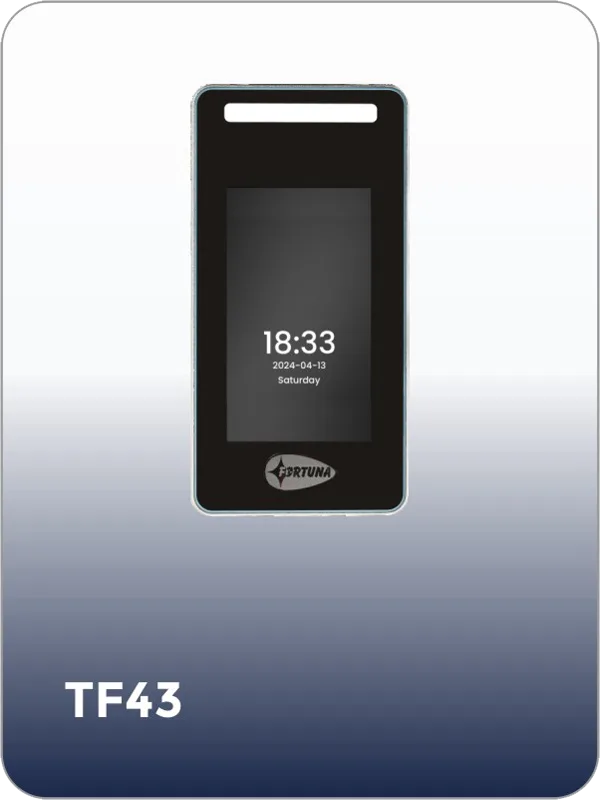
Face recognition terminal — indoor, anti-passback
Face recognition terminal — high-speed, indoor
IoT QR code reader with built-in access controller
Deployment options
Priced to scale with your facility — you pay for the number of rooms or zones under management and the deployment type you require. No per-user fee that inflates as your workforce or tenant base grows.
Zero infrastructure overhead. Manage every room, zone, and user from any browser. Automatic updates and a 99.9% uptime SLA. Ideal for coworking operators and multi-location businesses that need real-time visibility without server maintenance.
All booking data, biometric records, and access logs stay within your own servers. Full data sovereignty. Ideal for enterprises with compliance or data-residency requirements — including government, healthcare, and defence deployments.
Cloud-based dashboard and analytics with biometric data and access-event logs stored on local servers. Balances operational convenience with data-sovereignty requirements.
Response within 24 hours. No obligation
Common questions
Get started
Tell us about your facility — the number of rooms, the zones you need to manage, and the integrations you require. Our team will provide a custom proposal with hardware specifications, software configuration, and pricing within 24 hours.
fortuna.yellowwood.in
Typically replies within minutes
Any questions related to Meeting room & coworking space management system?
WhatsApp Us
Online | Privacy policy
WhatsApp us