
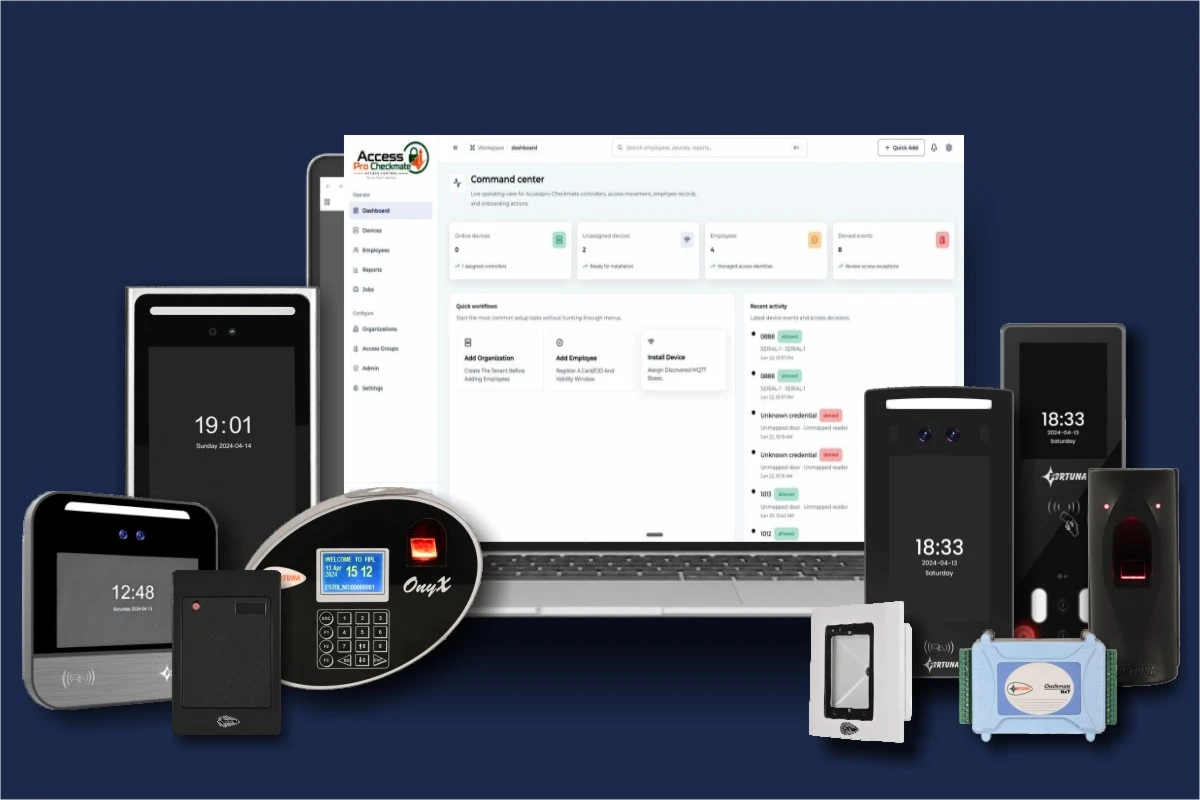
Fortuna builds the entire door access control system — Checkmate panels, biometric readers, and SmartFace Access Control software — under one roof. Define who enters, when, and where from a single dashboard. No third-party middleware. No vendor finger-pointing when something doesn’t work.
Deployed at IIT Hyderabad, Goa Airport, Mitsubishi, and 20,000+ organisations across India. Manufactured in Kolkata since 1996.
Trusted by India’s leading organisations
Most access control system door deployments involve three or four vendors — one for the panel, one for biometric readers, one for software, and a system integrator to make them talk to each other. When a face reader loses sync with the panel, no single vendor takes ownership. When the dashboard misses an access event, the blame cycle starts.
Cards get shared. PINs get written on sticky notes. A shared card can badge in an entire shift. A biometric credential cannot. Cards can be forgotten, cloned, or lost — resulting in re-issuance costs, security gaps, and a helpdesk queue that HR doesn’t have time to manage.
Fortuna eliminates both problems. We build the panels, the biometric readers, and SmartFace Access Control software in-house. The hardware and software share the same data model. There is no middleware. No protocol translation. One support contact for the entire installation — hardware and software, from one manufacturer.
Vendors in a typical multi-vendor AC deployment
Faces that can be shared, cloned, or lost
Functions from one device — attendance + door control
Built for every stakeholder
From the integrator who installs the system to the compliance officer who audits it — Fortuna’s door access control system is designed with each stakeholder’s workflow in mind.
Wiegand 26/34 and OSDP on all Fortuna hardware means clean integration — new or retrofit. Device health monitoring from the SmartFace dashboard reduces post-installation callbacks. REST APIs for BMS, ERP, and custom enterprise environments. One support escalation path for hardware and software.
Define granular access zones, time-based schedules, anti-passback rules, and occupancy limits from a single dashboard. Receive instant alerts for forced entry, door-open-too-long, and after-hours access. Override doors remotely. Run ISO 27001 and SOC 2 compliance reports without needing IT.
Role-based access control, encrypted OSDP communication, and REST API integration with enterprise systems. Monitor device health across all locations from one interface. Manage biometric template transfers between sites without visiting the physical location. On-premise, cloud, or hybrid deployment.
Every door access event creates an attendance record simultaneously — one biometric punch, two records. Audit-ready access logs with timestamps, user IDs, zone names, and device identifiers. Exportable for ISO, SOC 2, and GDPR compliance reviews on demand.
Platform capabilities
SmartFace Access Control is not a panel configuration tool. It is a complete access management platform — hardware, software, analytics, and integrations built by the same company.
Define distinct zones per area — main entrance, server room, executive floor, hazardous zone. Assign different user groups to different zones with independent rules for each. Permanent employees, contractors, visitors, and VIPs each get tailored access profiles that can be updated centrally.
Entry permissions activate and expire automatically with shift schedules and time bands. A night-shift worker's access is active only during night hours. A contractor's credential expires on their final working day. Weekly offs and holiday calendars are enforced without manual rule changes each cycle.
Pre-register visitors with QR codes or temporary cards that expire automatically at departure. Visitors access via IoTA XS QR at reception — no card issuance, no manual log entry. Access rights withdraw automatically when the visit ends. Integrates natively with Fortuna's Visitor Management System module.
→ Explore Visitor Management System
Configure a permission hierarchy from floor-level operators to system administrator. Super admins get full override — including remote door open and emergency lockdown. Zone managers see only their assigned areas. Every permission change is logged with the administrator's credentials and a timestamp.
A credential cannot re-enter a zone until it has exited. This prevents tailgating and blocks credential pass-back. Supports hard anti-passback (strict denial) and soft anti-passback (log and alert without blocking), configurable per access group. Applied at the panel level — no cloud dependency required.
Configure mantrap scenarios where only one door in a sequence can be open at any time. Used for server rooms, vaults, pharmaceutical stores, and defence facilities. Interlocking logic is enforced at the panel level — reliable even during network interruptions or power fluctuations.
Set maximum headcount limits per zone. The system denies entry once capacity is reached and generates an alert. Critical for emergency evacuation compliance and hazardous area access. Real-time occupancy count is visible on the SmartFace dashboard for every configured zone.
Configure fail-safe (doors unlock on power loss) or fail-secure (doors stay locked) per zone based on your security policy. Emergency force-open protocols for evacuation. Master card override for authorised personnel. All emergency events are logged with a separate audit flag for compliance review.
Desktop-based for standalone single-site installations. Browser-based for networked multi-floor or multi-building deployments. Cloud-based for multi-location organisations that need remote management from any device. The same feature set is available across all three — choose the mode that fits your infrastructure.
Every access event — granted, denied, forced, timed out, or triggered by emergency — is logged with timestamp, user ID, device name, and zone. Exportable in Excel and PDF. Formatted for ISO 27001, SOC 2, and GDPR audit submissions. Searchable by user, door, zone, time range, or event type.
Instant notifications for forced entry, door-open-too-long (DOTL), access outside permitted hours, credential used in wrong zone, and device offline events. Alerts routed to the dashboard, email, or mobile. Security supervisors can respond before an incident escalates into a breach.
Every door access event simultaneously creates an attendance record — timestamped, device-tagged. No separate attendance machines needed at access-controlled doors. One credential presentation. Two records. This is a structural advantage of buying hardware and software from the same manufacturer.
→ See the full SmartFace time and attendance system
Open REST APIs for integration with ERP systems, HRMS, building management systems (BMS), and custom enterprise applications. Bidirectional employee data sync — when HR onboards or offboards an employee, access rights update automatically. No manual re-configuration at the panel level.
All Fortuna readers output standard Wiegand 26/34 signals, making them compatible with third-party panels. The Checkmate NxT range also supports OSDP — an encrypted, bidirectional protocol that secures reader-to-panel communication against card cloning and signal interception. Deploy Fortuna readers into any existing installation without changing panels.
A 20-minute walkthrough covering your specific deployment — number of doors, authentication modes, access zones, and integration requirements. No commitment. No generic presentation.
Or call us: +91 7550 670 670
The access cycle
Four steps from credential presentation to door unlock and cloud logging — fully automated, sub-second decision, no manual intervention.
The employee or visitor presents their credential at the Fortuna reader — face, fingerprint, card, QR code, or PIN. Face recognition and fingerprint identification complete in under 0.3 seconds. AI anti-spoofing rejects photographs and silicone replicas at the hardware level.
The reader sends the verified identity to the Checkmate NxT or NxT+ panel via Wiegand or OSDP. The panel checks the identity against its enrolled user database — stored locally on the panel — so this step completes in milliseconds with or without internet connectivity.
The panel checks: Is this user enrolled? Is this door in their access zone? Is the current time within their permitted schedule? Is the zone at occupancy capacity? Is there an anti-passback flag? The full decision chain completes in under one second.
If all rules are met, the panel triggers the door relay. Access granted or denied — the event is logged to SmartFace immediately: timestamp, user, device, zone, and decision reason. An attendance record is created simultaneously.
Industry coverage
Fortuna’s door access control system adapts to every facility type — from a single-door office setup to an enterprise campus with hundreds of controlled zones.

Main entrance, floor access, server rooms, and executive areas from one dashboard. Time-based access by department. VF700 face recognition readers paired with Checkmate NxT+ panels is the standard multi-floor configuration.

MicroBEN Bio at gate entry for fingerprint verification. Controlled access to hazardous zones, chemical storage, and high-value equipment areas. Real-time headcount monitoring per zone for safety and evacuation compliance.
Zone-based access for OTs, ICUs, pharmacies, and admin areas. Face recognition access control at each zone — only authorised staff enter. Visitor QR passes with time-limited credentials issued at reception. Audit logs for healthcare compliance.

Building-level and lab-level access control. Faculty and staff biometric entry. Visitor management for guests and parents. Restricted access to data centres, science labs, and examination halls — no card issuance or management overhead.
Membership-tier access via biometric or QR. Expired memberships blocked automatically at the door — no staff intervention. IoTA XS Bio or IoTA XS QR handles both access control and entry logging from a single compact device with no separate panel needed.

Room and building access by membership tier. Biometric entry for permanent members. QR codes for guests and day-pass holders. Credentials expire automatically at membership end. Integrates with amenity booking and billing modules.
Compatible devices
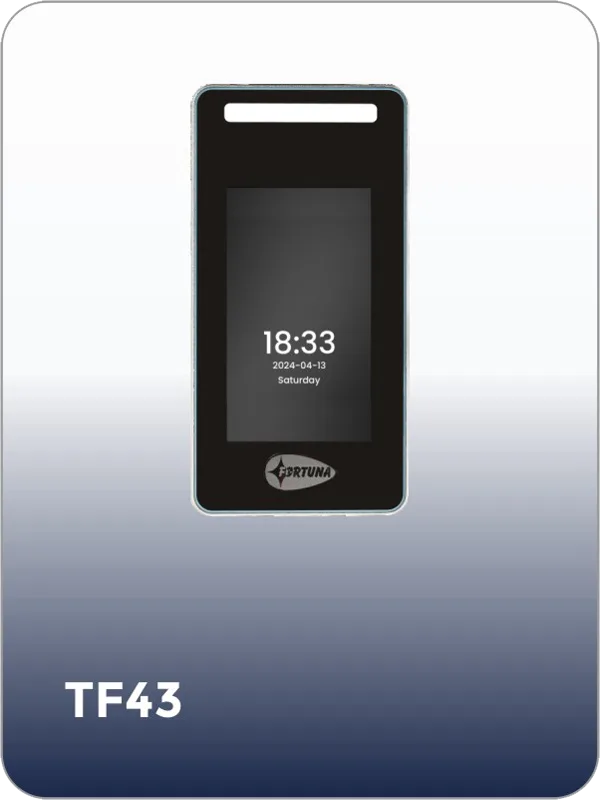
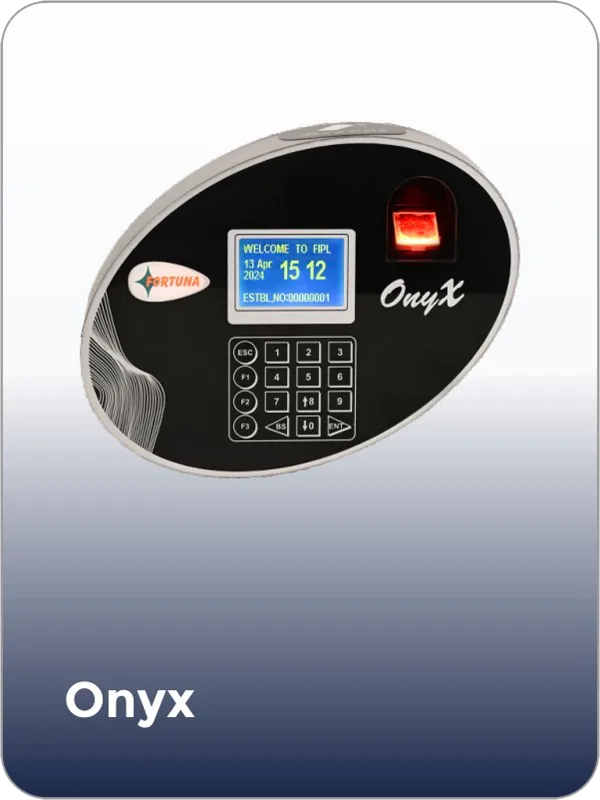
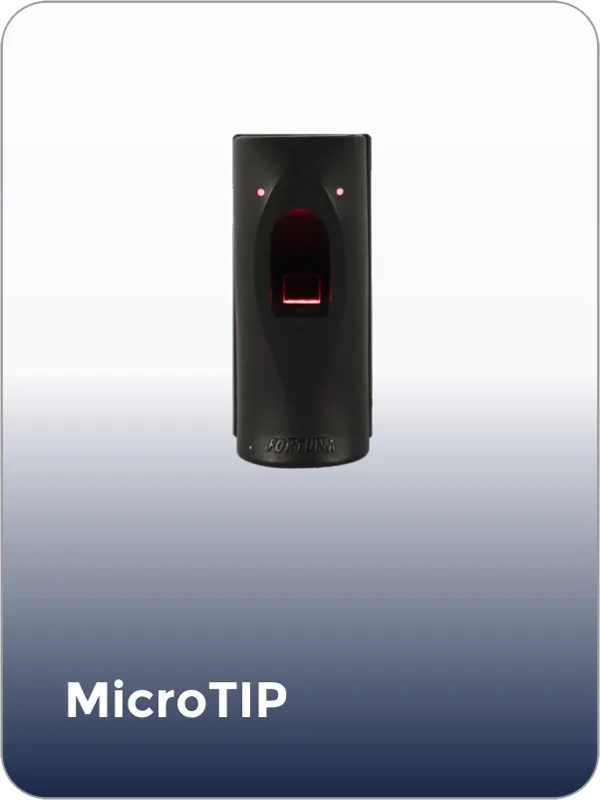
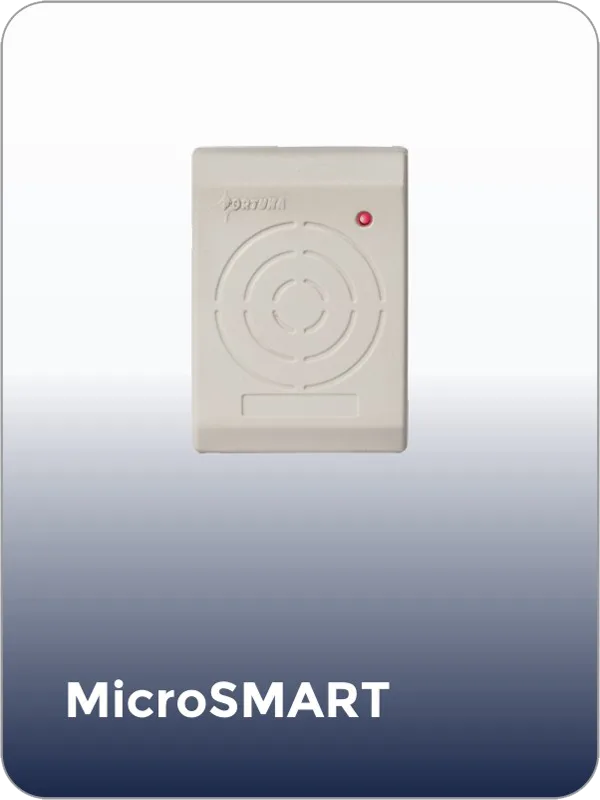
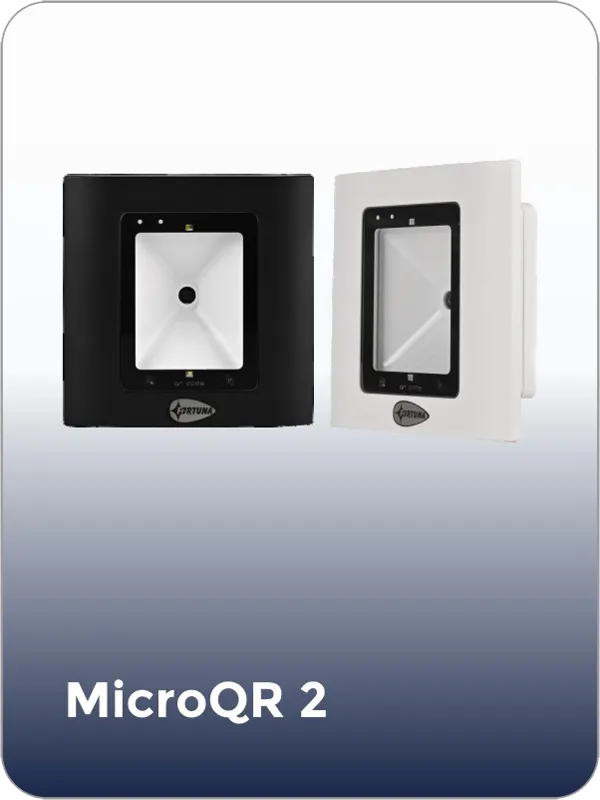
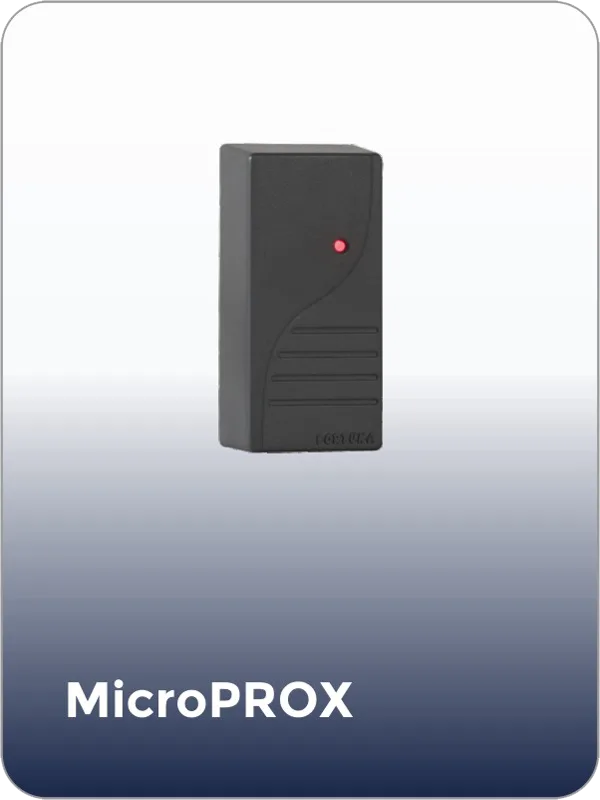
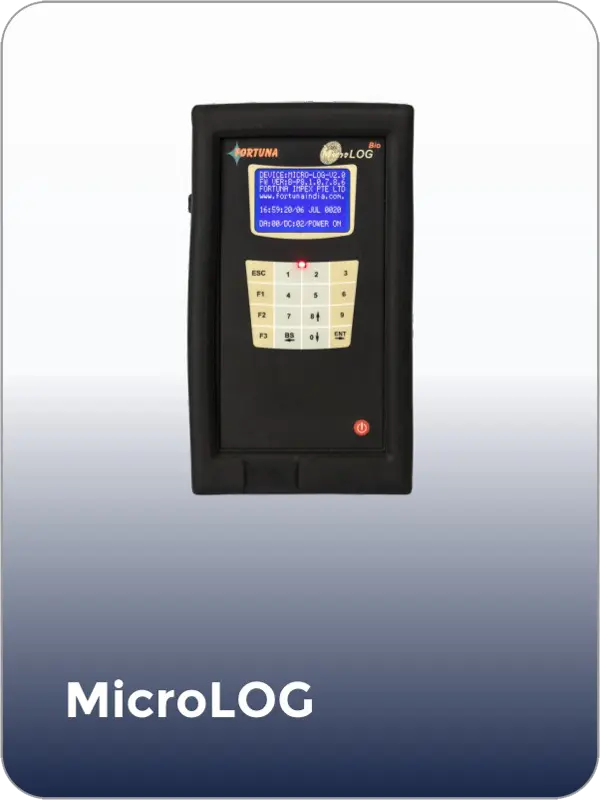
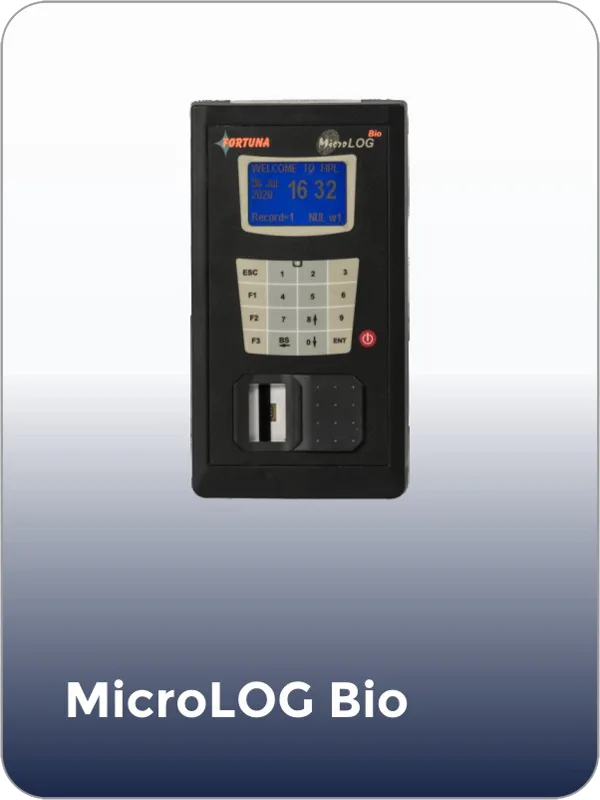
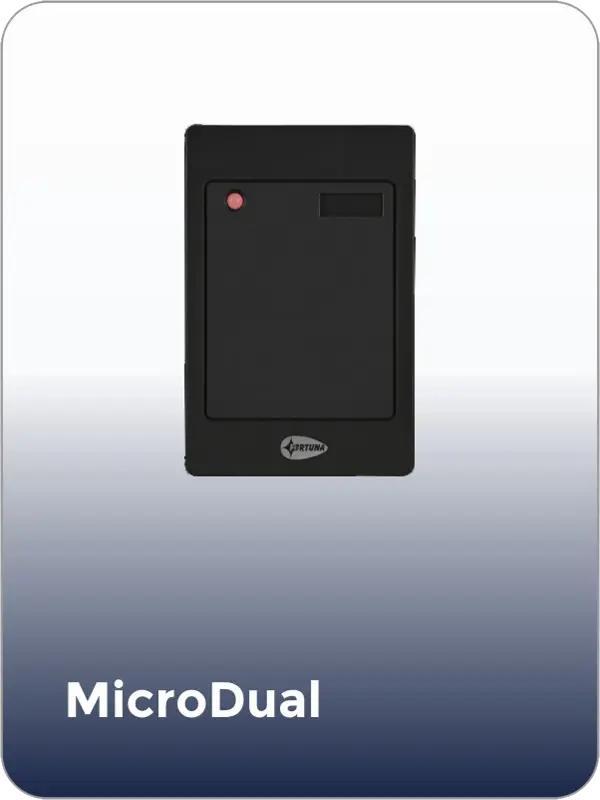
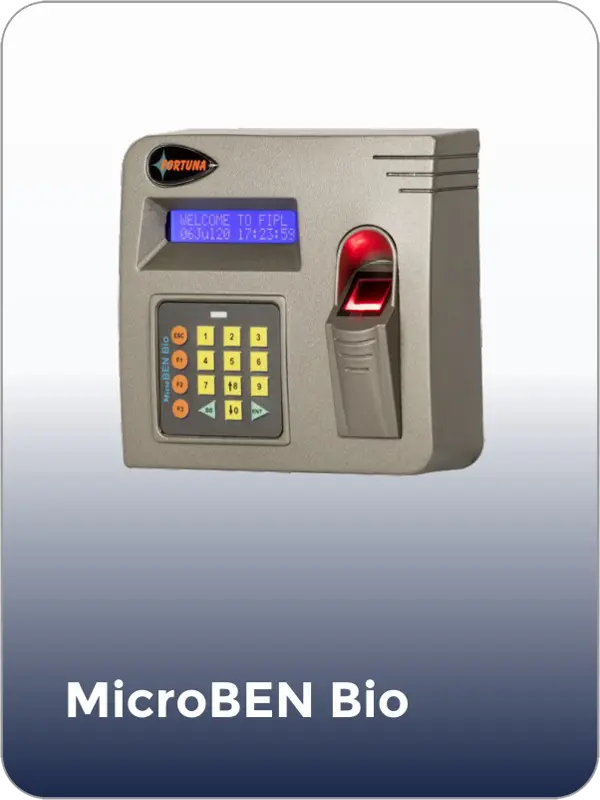
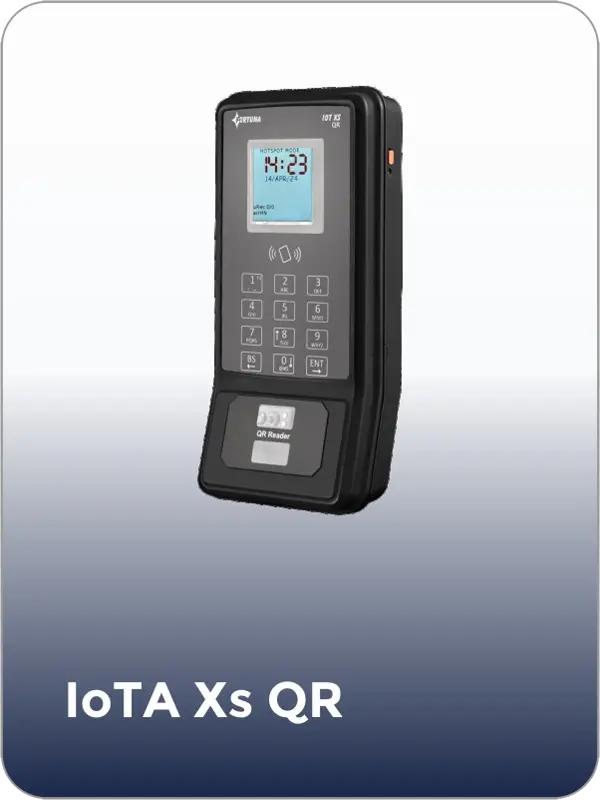
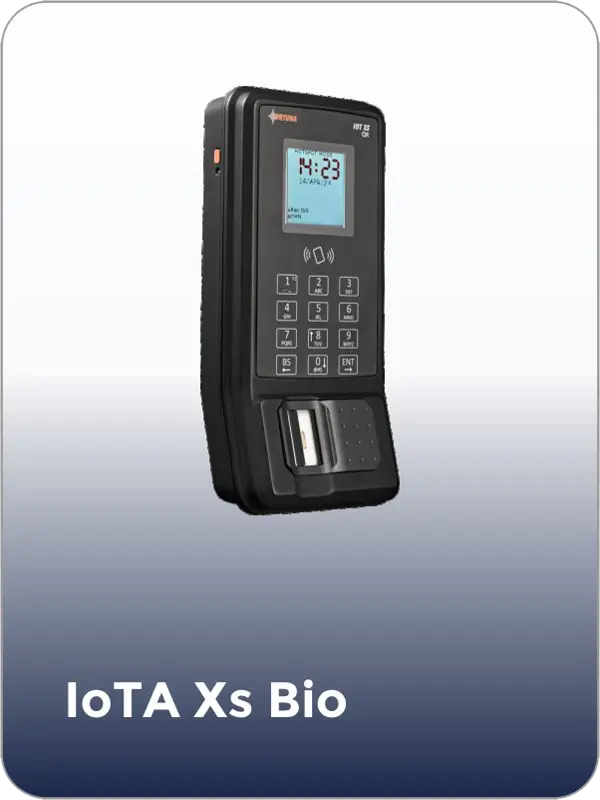
Hardware ecosystem
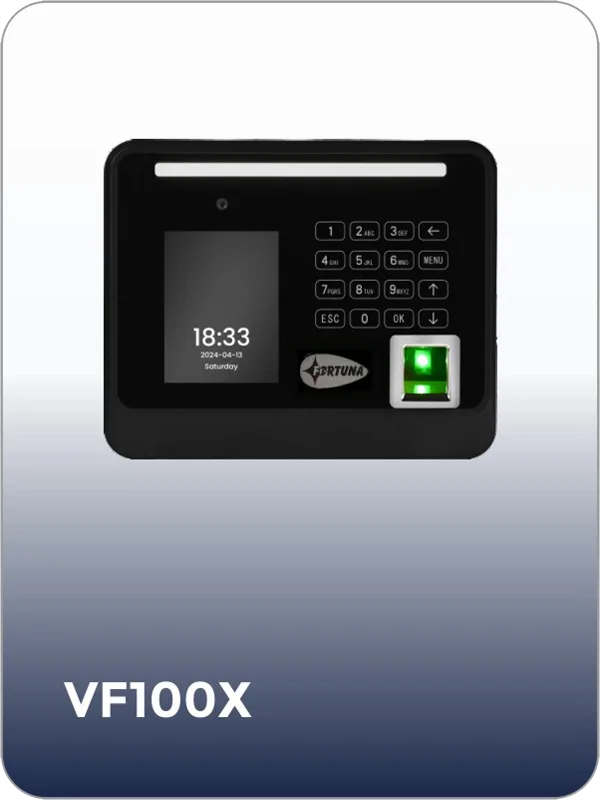
SmartFace Access Control works natively with Fortuna’s complete range of panels and readers — because the software and hardware are designed, developed, and manufactured by the same company. Real-time sync. Zero compatibility issues. Device health monitoring from within the software dashboard.

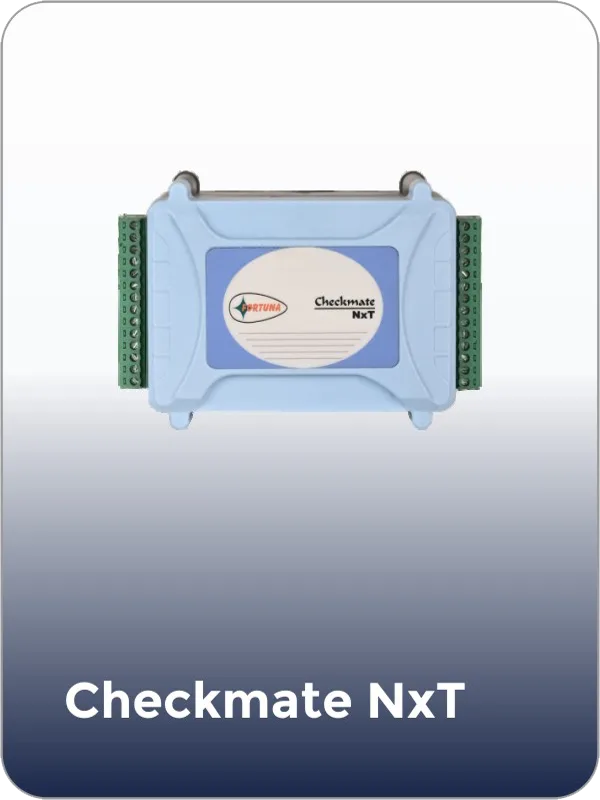
2-door panel, WiFi
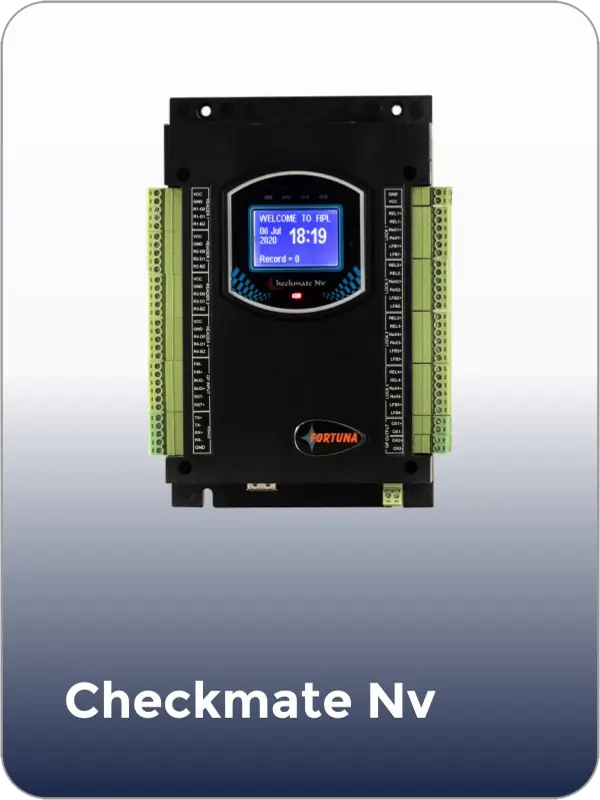
4-door panel, LAN + WiFi
Face recognition, anti-passback
Face recognition, sub-0.1s
Face recognition, IP65, outdoor
Fingerprint, industrial grade
Fingerprint, built-in AC, IoT
QR code, built-in AC, IoT
Deployment options
Priced to scale with your facility. You pay based on the number of doors, panels, and modules deployed — not per employee. A 5-door office and a 500-door campus use the same software platform.
All data stays within your own servers. Full data sovereignty. Ideal for government, defence, and enterprises with compliance mandates that require internal hosting.
Access from any browser, anywhere. Zero server maintenance. Real-time visibility across all locations. Automatic software updates. Ideal for multi-site organisations.
Networked deployment without cloud dependency. Accessed from any browser on your local network. Ideal for facilities with existing server infrastructure.
Some locations on-premise, others via cloud. High-security sites keep data local. Branch offices use cloud. Both are managed from the same SmartFace dashboard.
Common questions
Yes. SmartFace Access Control manages unlimited doors, zones, and locations within a single instance. Multiple Checkmate NxT or NxT+ panels connect to the same platform — there is no upper limit on panels or locations. The Checkmate NxT supports 2 doors per panel. The Checkmate NxT+ supports 4 doors. A 100-door building uses 25 NxT+ panels, all managed from one dashboard. For large enterprise installations, the Checkmate Nv supports up to 128 networked controllers on a single system.
Get started
Tell us about your facility — number of doors, security zones, and authentication requirements. Our team will design the right door access control system for your building and provide a complete quote covering panels, readers, software, and installation. No obligation.

fortuna.yellowwood.in
Typically replies within minutes
Any questions related to Complete door access control system?
WhatsApp Us
Online | Privacy policy
WhatsApp us