Lobby, server room, finance floor, boardroom — each zone with its own access rules. Visitor QR passes. Full audit trail.
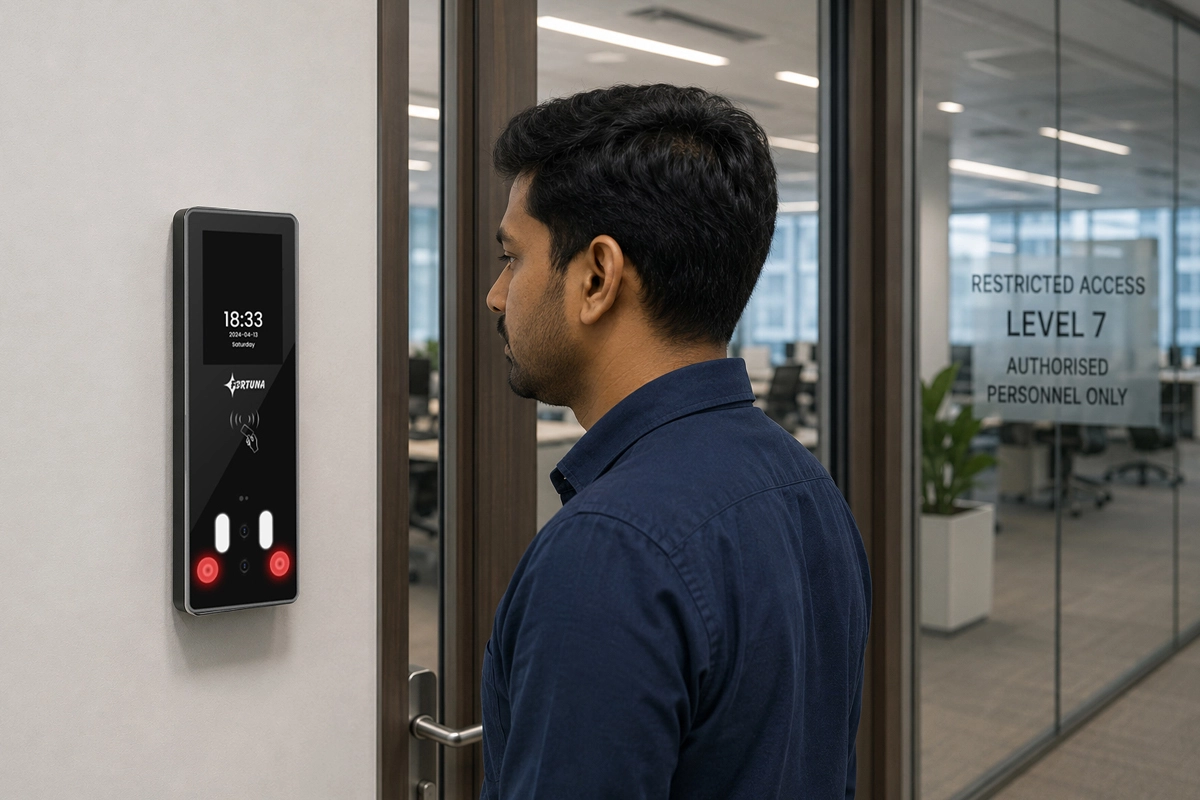
A corporate office is not one zone — it is ten. Reception and common areas open to everyone. Finance, legal, and HR floors restricted by role. Server room requiring two-factor authentication. Executive level accessible to senior management only. Visitor access that expires when the meeting ends. Fortuna’s corporate office access control configures every door and every zone independently, enforces access by face recognition or card, manages visitor credentials through QR passes with auto-expiry, and logs every entry and exit with a timestamped audit trail that survives an after-hours incident investigation.
Trusted by ITC, GE, BARC, Schneider Electric, and 20,000+ organisations across India since 1996.
In a busy corporate lobby, tailgating is not exceptional — it is the norm. An authenticated employee holds the door, and the next person enters without presenting any credential. Without physical barriers such as turnstiles or speed gates controlled by the access system, biometric authentication at the door provides verification without enforcement. Anti-passback logic can detect that a credential was used to enter without a corresponding exit, but physical barriers are what prevent the second person from passing through in the first place.
Access cards issued to contractors, temporary staff, and outgoing employees are routinely not returned. A card that belongs to someone who left six months ago may still open every door in the office. Paper visitor badges have no enforcement mechanism — a visitor who received a badge in the morning for a 10am meeting may still be on the premises at 5pm with no way for security to know. Physical credentials without biometric ties cannot verify identity after the initial issue.
Who was in the server room at 11pm on a Tuesday? Which employee accessed the finance floor on a Sunday? Without electronic access logs, these questions cannot be answered after the fact. In the event of a data breach, theft, or regulatory investigation, the absence of a verifiable access trail creates legal exposure and leaves the investigation without a starting point. Most incidents that are discovered days or weeks after they occurred cannot be reconstructed from memory or CCTV alone.
A corporate office has zones with genuinely different access requirements — guest-accessible reception, all-employee common floors, team-specific areas, senior management level, IT server room, and the finance vault. Without zone-level configuration, access is either too permissive — everyone gets everywhere — or security teams manually manage a growing list of exceptions by phone and email. When departments move floors or the org chart changes, the access permissions need updating — and no one is tracking whether they were.
Employee offboarding is a multi-step manual process: collect the access card, deactivate it in the system, update the door panel, and notify security. When any step is missed — and in busy HR periods they are missed routinely — a former employee retains physical access to the office. The risk is highest for employees who left under contentious circumstances, who knew the layout of sensitive areas, or whose credentials opened IT infrastructure rooms.
Fortuna’s corporate access control system enforces zone-based restrictions by biometric identity — not by cards that can be shared or lost — and integrates with the HR system to automate provisioning and deprovisioning without manual security admin intervention.
Configure every door and zone in the office independently. Lobby and common areas open to all employees during business hours. Finance and legal floors restricted to department heads and authorised staff. Server room requires face recognition plus PIN. Executive level accessible to senior management only. Access rules apply at the reader level and update immediately across all connected points from the central SmartFace dashboard — no per-device configuration visit required.
Anti-passback prevents a credential from being used to enter a zone if it has not been used to exit it — closing the tailgating loophole at the credential level. Fortuna's VF700 supports dual Wiegand output for in-reader and out-reader configuration at the same door, enabling anti-passback without a separate panel. Pair with turnstiles or speed gates for physical enforcement where tailgating risk is highest. Zone occupancy reports reflect the anti-passback-verified headcount in real time.
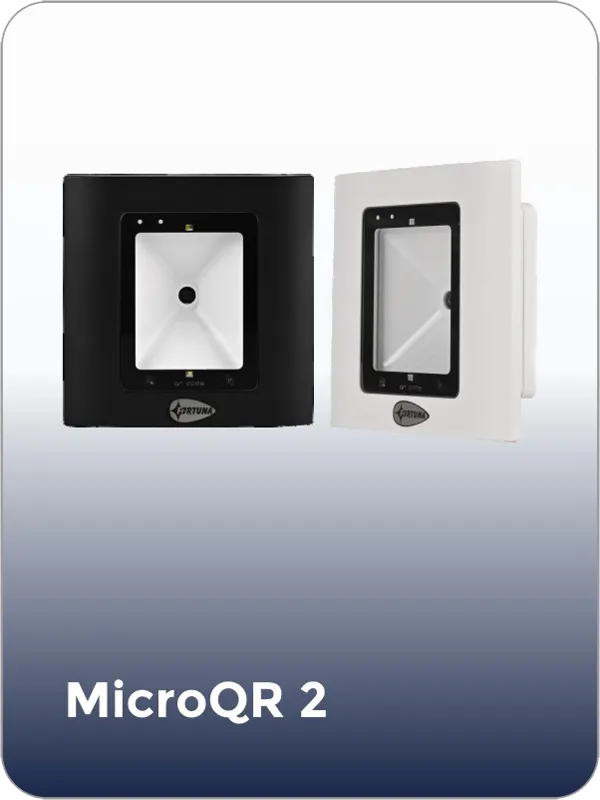
Visitors register at reception or are pre-registered by the host employee through the ESS portal. The visitor receives a QR code via WhatsApp or email that grants access only to the areas required for their appointment and expires automatically at the configured time. The IoTA Xs QR reader or MicroQR 2 validates the QR at each relevant access point. No physical badge collection required. The visitor log is a complete, timestamped record of every visitor entry and exit.
New joiners enrolled in the HRMS are automatically provisioned in Fortuna with the access permissions defined for their role and department. Employee exits trigger automatic deactivation across every door and zone simultaneously — no security team action required. For organisations without HRMS integration, a single admin action in SmartFace deactivates all access for a named employee in under five seconds, reflected at every access point immediately.
Every access event — granted, denied, forced, door held open — logs with timestamp, employee identity, zone, device ID, and authentication method. After-hours access, weekend access, and repeated denied attempts are all in the same log. Fortuna's access control runs on the same platform as corporate attendance — access events and attendance records share the same verified dataset for both HR reporting and security investigation.
Tell us about your office — floors, zones, headcount, visitor volume, and any specific restrictions for server rooms or executive areas — and we will design an access control system that enforces your security policy without daily admin overhead. Free demo. No obligation.
Trusted by ITC, GE, BARC, and 20,000+ organisations. Hardware designed, built, and supported in India since 1996.
Define access rules per zone — which roles are permitted, at what times, and by what method. Rules apply at the reader level and update centrally. Multiple zones share a configuration that updates simultaneously. For new office layouts or org structure changes, access rules update from the dashboard without on-site visits to each access point.
Pre-register visitors, issue QR passes via WhatsApp, set access scope and expiry time. Passes expire automatically — no badge collection, no manual revocation. Visitor logs record every entry, exit, host, and purpose. Walk-in visitors register at the IoTA Xs QR terminal at reception. Host employees receive a notification when their visitor arrives.
Provisioning and deprovisioning trigger automatically from HRMS events — joining, exit, role change, department transfer. New joiners get the access permissions defined for their role from day one. Role changes update access permissions without a separate request. Exit deactivates all access instantly. Integration supports SAP, Oracle, greytHR, Darwinbox, and Keka.
All access points, all zones, and all employees in one SmartFace view. Real-time zone occupancy. Access event feed with filter by zone, employee, time, or event type. Bulk access permission management — update an entire department's access profile in one action. Remote door release for authorised scenarios from the dashboard without on-site action.
Anti-passback enforces sequential entry and exit — a credential that is inside cannot re-enter until it has exited. VF700 supports dual Wiegand for in-reader and out-reader at the same door. Connects to turnstiles and speed gates for physical enforcement. Zone occupancy reports reflect verified headcount at any point in time, useful for fire evacuation and emergency muster.
Configure access windows per zone: common areas open 7am–8pm on business days, restricted to authorised personnel on weekends. Server room access limited to business hours for standard IT staff, unrestricted for on-call engineers. After-hours access requests route through manager approval in the ESS portal and activate only for the approved window. Time-based rules enforce without any manual security desk action.
Repeated denied attempts at restricted zones, forced entry events, door-held-open alerts, and after-hours access by non-authorised employees trigger real-time notifications to the security head. Configure alert thresholds per zone: three consecutive denied attempts at the server room, a door held open beyond 30 seconds at the executive floor. Every alert includes employee identity, zone, timestamp, and device ID.
Every access event logged with timestamp, identity, zone, device, and method. Tamper-evident records retained for the configured duration. Logs export for IS audit, ISO 27001 evidence packages, and incident investigation reports. Filter by zone, employee, or date range to reconstruct access patterns for any investigation scope. After-hours and weekend access reports are a standard dashboard view.
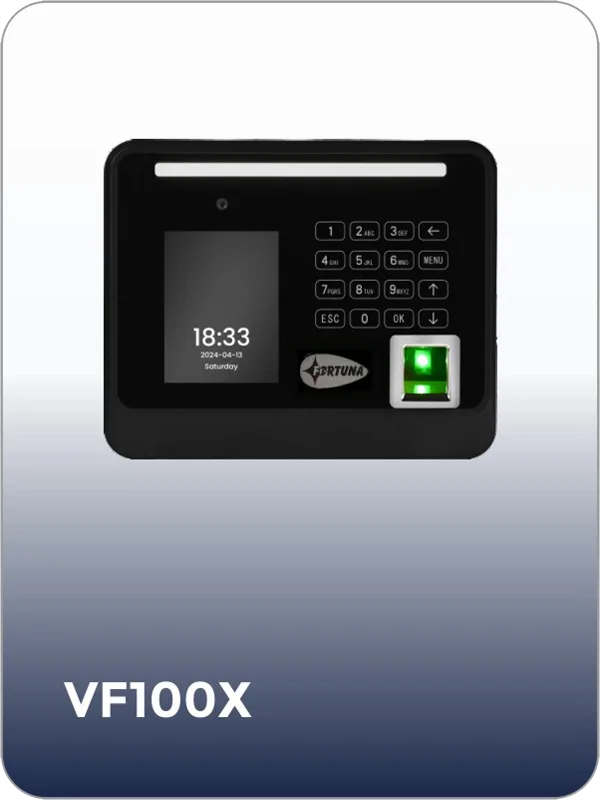
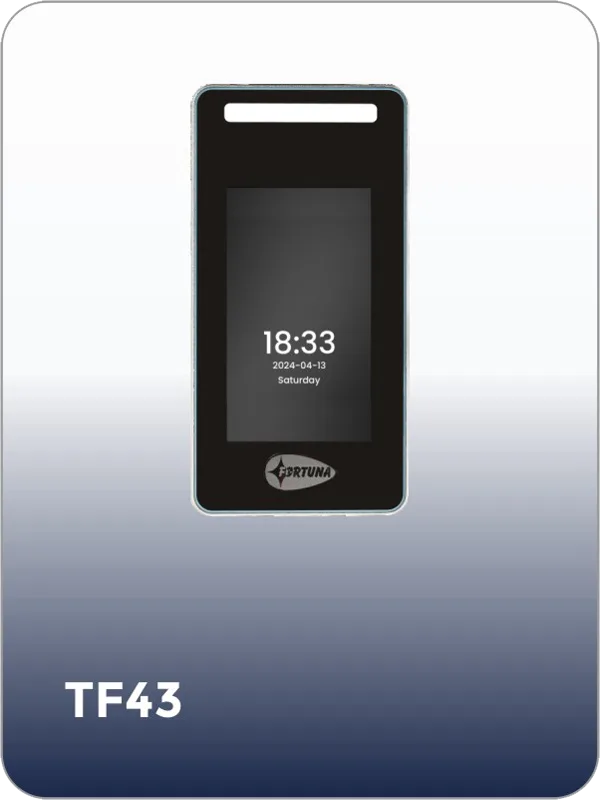
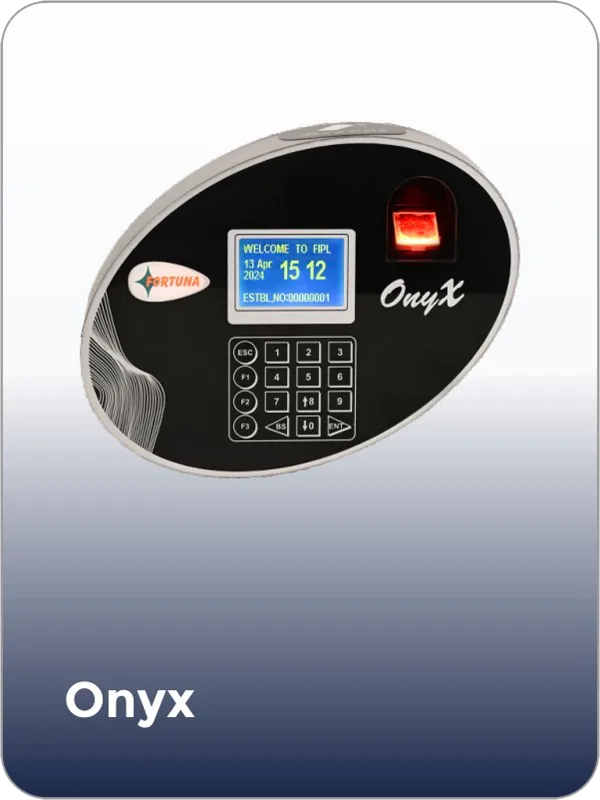
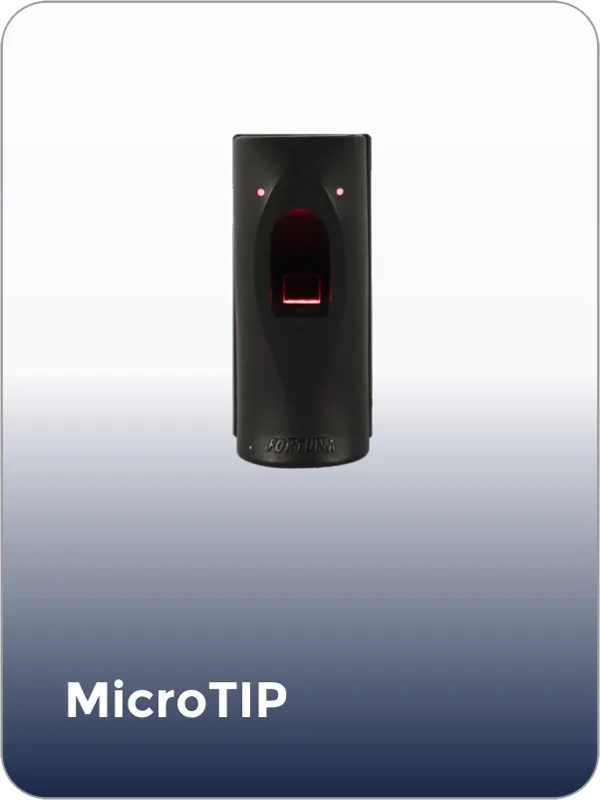
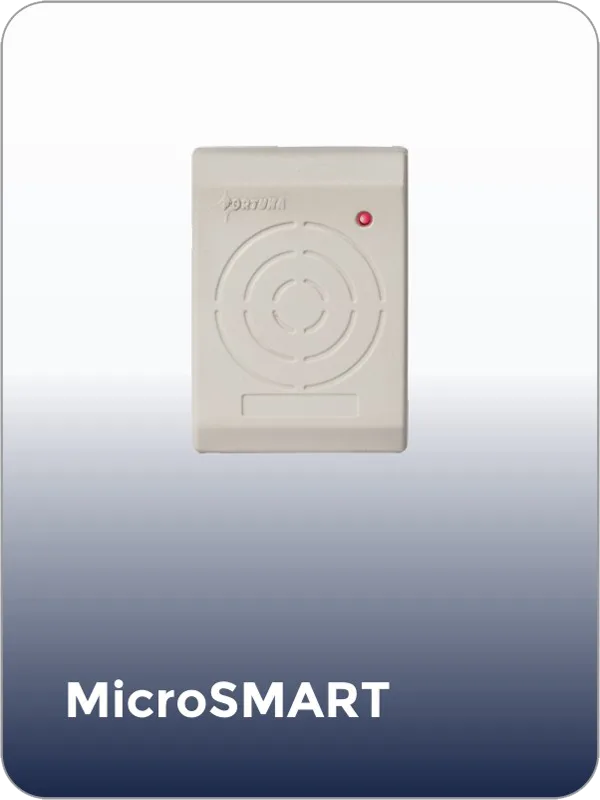
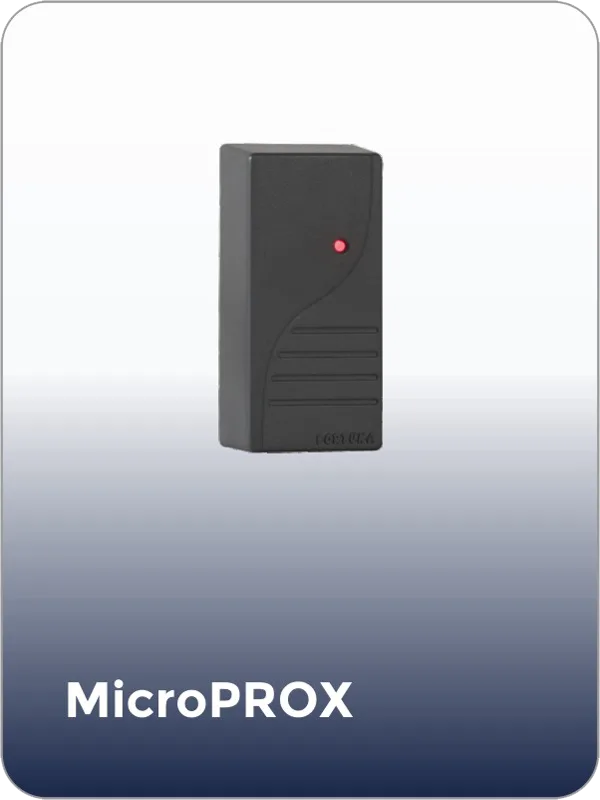
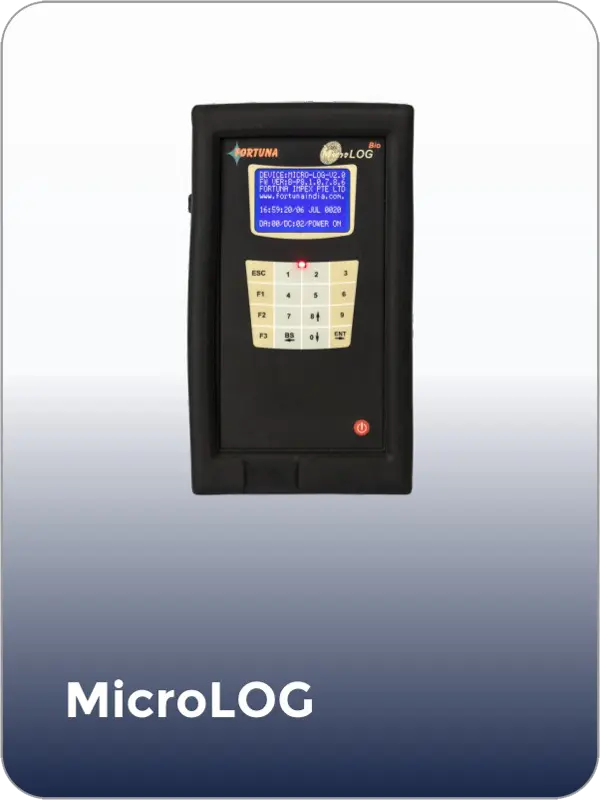
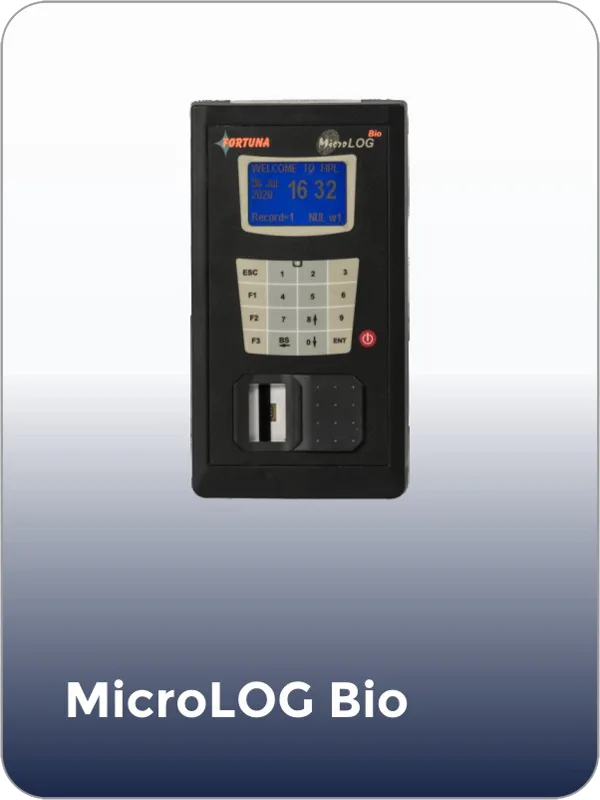
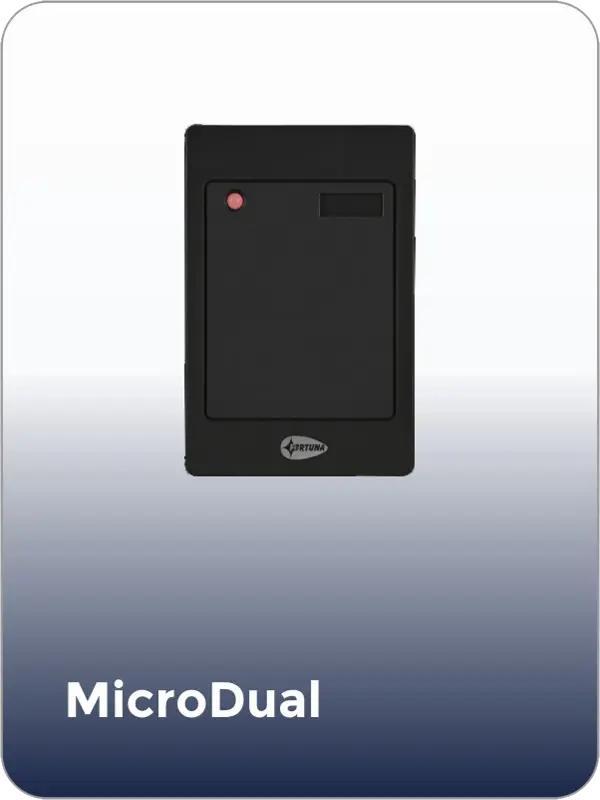
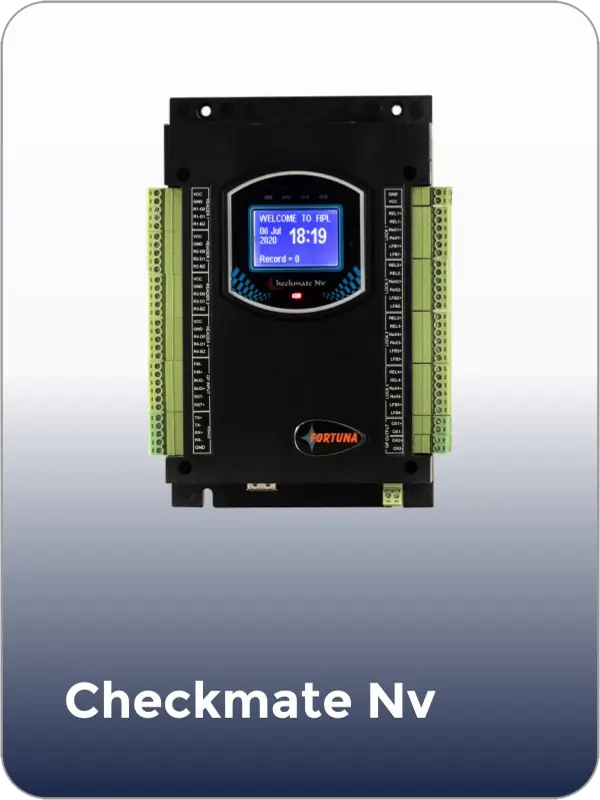
Fortuna manufactures every device below for corporate office access control — face, fingerprint, QR, and card readers managed from one platform.
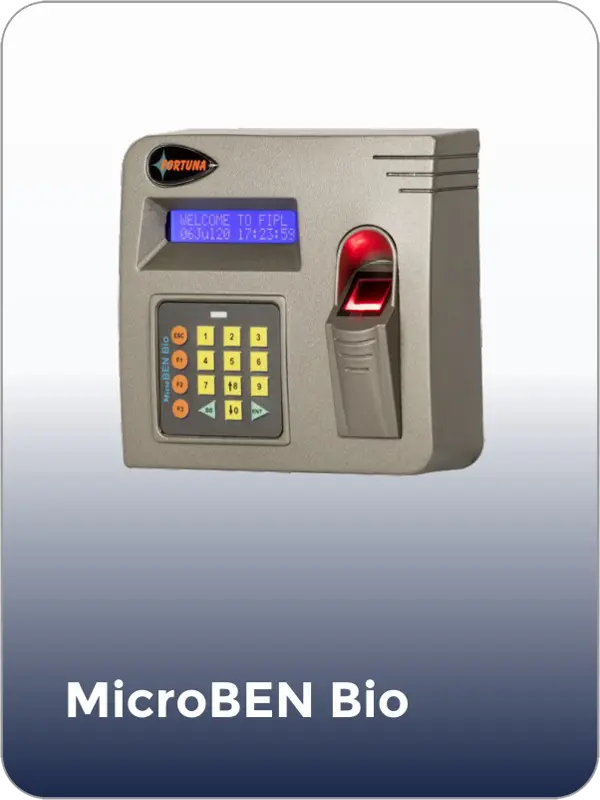
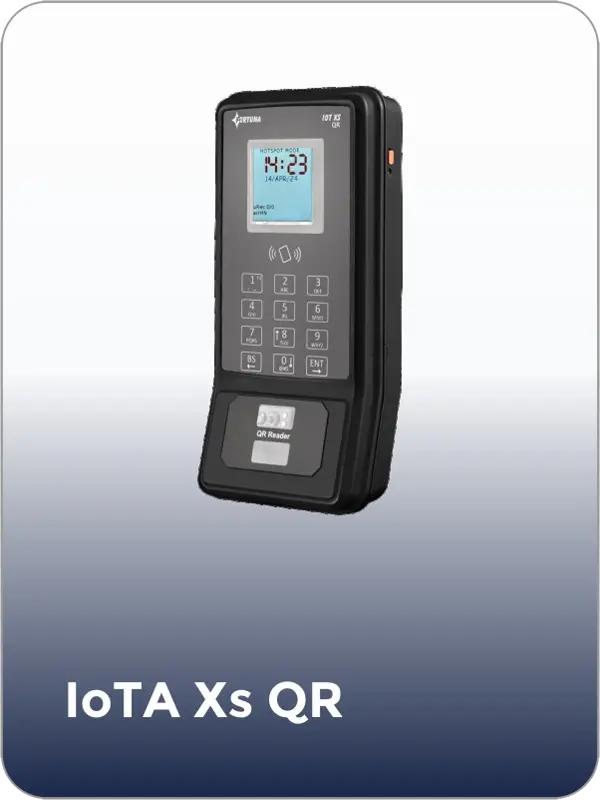
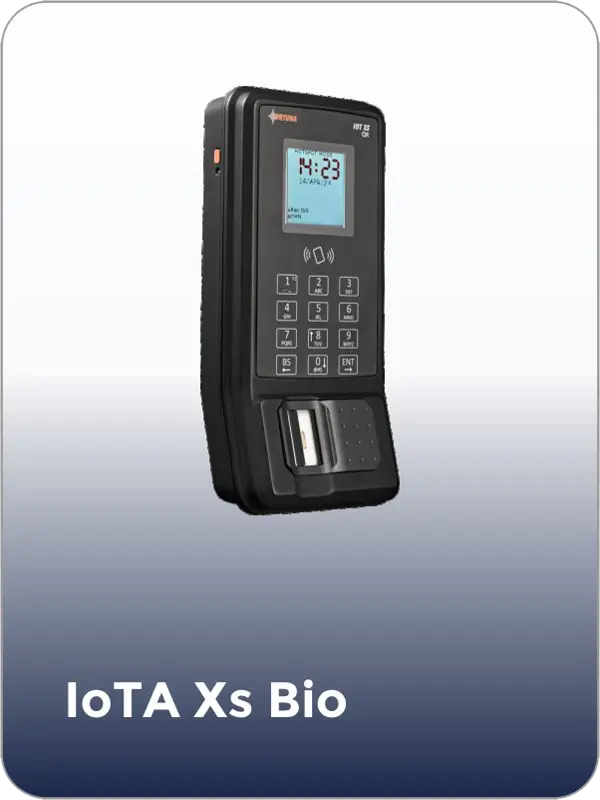
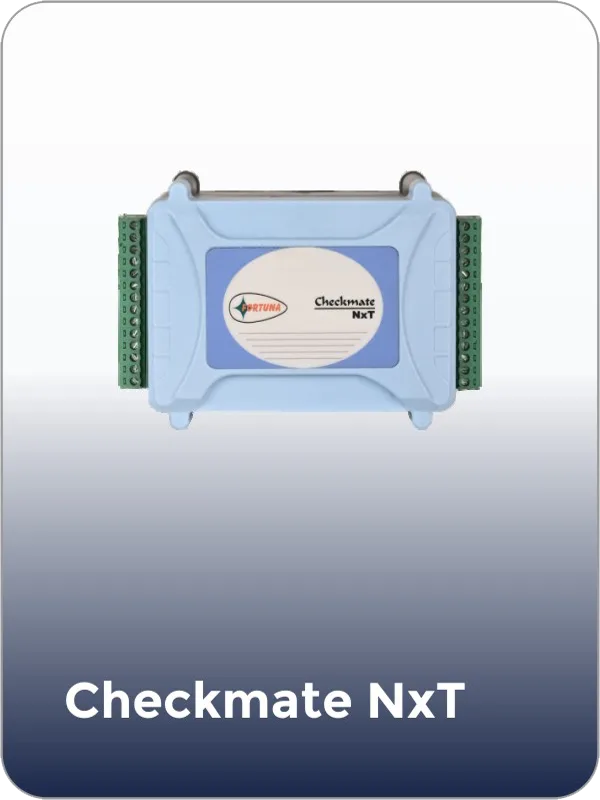
Tell us about your office — floors, zones, headcount, visitor volume, and any specific requirements for server rooms or executive areas — and we will design a system that enforces your security policy without daily admin overhead.

fortuna.yellowwood.in
Typically replies within minutes
Any questions related to Corporate office access control?
WhatsApp Us
Online | Privacy policy
WhatsApp us