One dashboard for every location, shift type, and employment category. Office biometric, remote GPS, and branch terminals unified.
Corporate attendance is not one problem — it is five. Office employees on fixed shifts. Field sales on GPS check-in. Hybrid teams splitting the week. Branch offices on a different system entirely. Contractors logged nowhere. Fortuna’s corporate attendance system brings all of these onto one platform: face recognition terminals at office lobbies, GPS selfie attendance for remote and hybrid employees, and the same TF43 or VF200 device at every branch — all feeding one SmartFace dashboard that HR and payroll can act on without a monthly reconciliation exercise.
Trusted by ITC, Godrej, GE, Schneider Electric, and 20,000+ organisations across India since 1996.
Where employees authenticate with a card or PIN, a colleague can punch in on their behalf. In a large corporate office, this is not exceptional — it is routine. A card-based system has no way to verify that the card holder is the person presenting the card. Buddy punching is the attendance equivalent of a timesheet error that HR discovers only when it causes a payroll discrepancy, which is too late to correct for that month.
A national corporate with 40 branches may have 40 different ways of recording attendance — biometric at head office, manual registers at smaller branches, spreadsheet sign-in at satellite offices. Each branch submits its attendance data to HR separately, in a different format, on a different timeline. The monthly payroll reconciliation is a consolidation exercise that takes three to five days and produces errors that carry into the next month.
Modern corporate attendance involves fixed-shift operations teams, flexi-arrival corporate teams, half-day WFH policies, field attendance for sales, and contractor timesheets alongside employee records. Most attendance systems handle one of these reliably. Managing all of them on the same platform — with different overtime rules, different late-mark thresholds, and different payroll treatments — is where most systems break down, and the workarounds move back to spreadsheets.
The attendance system holds punches and shift records. The HRMS holds employee master data and runs payroll. Every month, someone exports attendance data, maps it to payroll fields, handles exceptions by email, and reconciles the differences. When the export format changes, the person who built the mapping is not always available. API integration that automates this end-to-end is available — it is just rarely deployed until the manual process has failed enough times to justify the project.
The main office has a face recognition terminal. The 12-person branch in Ahmedabad does a register sign-in. The six field executives in the South zone use a WhatsApp check-in message. None of this is in the same system. HR has no verifiable attendance record for roughly a third of the headcount, and the payroll that processes their salaries is working from unverified figures.
Fortuna’s corporate attendance system is built for companies that have outgrown a single terminal at a single office — a platform that handles biometric office attendance, GPS mobile attendance, multi-branch management, and HRMS integration without requiring a separate tool for each.
SmartFace consolidates attendance from every terminal, every mobile check-in, and every branch into one dashboard. HR sees real-time attendance across all locations — head office, branches, remote employees, and field teams — filtered by department, location, or shift. No consolidation required. Payroll gets the processed output it needs without waiting for branches to submit.
Fortuna's mobile app allows employees working from home or in the field to mark attendance via selfie with AI liveness detection. GPS geofencing verifies that the employee is within the approved location radius at the time of punch — home address, client site, or field territory. Punches outside the configured geofence are flagged for manager review. App attendance and terminal attendance feed the same database with the same report format.
Fortuna's shift management module handles fixed shifts, rotating shifts, flexi-hour windows with core hours, and field attendance policies — configured per department or per employee. Operations staff on fixed 9am–6pm, corporate teams on flexi 9am–11am arrival, sales on mobile GPS: each policy runs on the same platform with separate overtime rules, late-mark thresholds, and payroll treatments. Auto-roster scheduling and shift swap approvals are available through the employee self-service module.
Fortuna's PM Neo integration module connects to SAP, Oracle HCM, greytHR, Darwinbox, Keka, and Tally. New joiners enrolled in the HRMS are automatically provisioned in Fortuna. Exits trigger deactivation. Processed attendance — shift hours, overtime, late marks, leave balances — flows to payroll in the required format. The monthly export-and-map exercise is replaced by an automated nightly sync that requires no human intervention.
Employees access their own attendance records, raise correction requests for missed punches, apply for leave, and track approval status through the Fortuna ESS web portal or mobile app. Managers approve or reject requests from the same interface, with team attendance dashboards for context. HR gets clean data because employees fix their own records — reducing the correction workload that falls on payroll at month end.
Tell us about your organisation — head office size, number of branches, remote team percentage, and current HRMS — and we will scope an attendance system that eliminates the monthly reconciliation exercise entirely. Free demo. No obligation.
Trusted by ITC, Godrej, Schneider Electric, and 20,000+ organisations. Hardware designed, built, and supported in India since 1996.
All branch and head office attendance visible from one login, filtered by location, department, shift, or date. Device configuration, shift policy updates, and holiday calendar changes push from head office to all branch terminals simultaneously — no on-site IT visit required at each branch. Real-time attendance status updates as employees punch in.
Configure fixed shifts, rotating shifts, flexi-window shifts, and open-ended field policies per department or per employee. Set overtime rules, late-mark grace periods, and minimum work hour thresholds independently for each shift type. Auto-roster scheduling assigns employees to rotating shift cycles. Shift swap requests route through manager approval in ESS.
Employees view attendance records, raise missed punch corrections, apply for leave and tour, and check approval status from the ESS web portal or mobile app. Managers see team attendance, approve requests, and receive alerts for late arrivals and absences. Role-based access controls separate employee, manager, HR, and admin views.
Define geofences for approved attendance locations — home addresses, client offices, regional hubs. Employees can only mark attendance from within the approved radius. Live location tracking for field teams shows the last known GPS position from the most recent app punch. Field visit logs record time in, time out, and location for each client visit.
AI selfie attendance with liveness detection and GPS geofencing on Android and iOS. Employees mark attendance from home, client sites, or the field. Fake location detection flags spoofed GPS coordinates. Managers mark team attendance for field visits where individual phones are not practical. App attendance feeds the same SmartFace dashboard as terminal punches.
PM Neo REST API connects Fortuna to SAP, Oracle, greytHR, Darwinbox, Keka, and Tally. Employee master data syncs from HRMS — new joiners auto-enrolled, exits auto-deactivated. Processed attendance exports to payroll with shift hours, overtime, late marks, and leave balances calculated and formatted for each payroll platform. Nightly sync replaces monthly manual export.
Configure unlimited leave types — paid, unpaid, comp-off, sick, casual, maternity, paternity — with individual rules for accrual, carry-forward, encashment, minimum notice period, and tenure eligibility. Sandwich leave protection flags leave applications that bracket weekends or holidays. Leave balances sync to payroll automatically at the configured period end.
50+ report formats covering daily attendance, monthly summaries, overtime registers, late-mark reports, leave balance statements, and payroll-ready timesheets. Reports export in XLS, PDF, and CSV. Compliance formats for Factories Act overtime registers and Shops and Establishments Act attendance records are available for relevant employee categories. All reports generate from the same verified biometric dataset.
Every corporate attendance terminal below is built by Fortuna — face and fingerprint devices that feed one centralised dashboard.
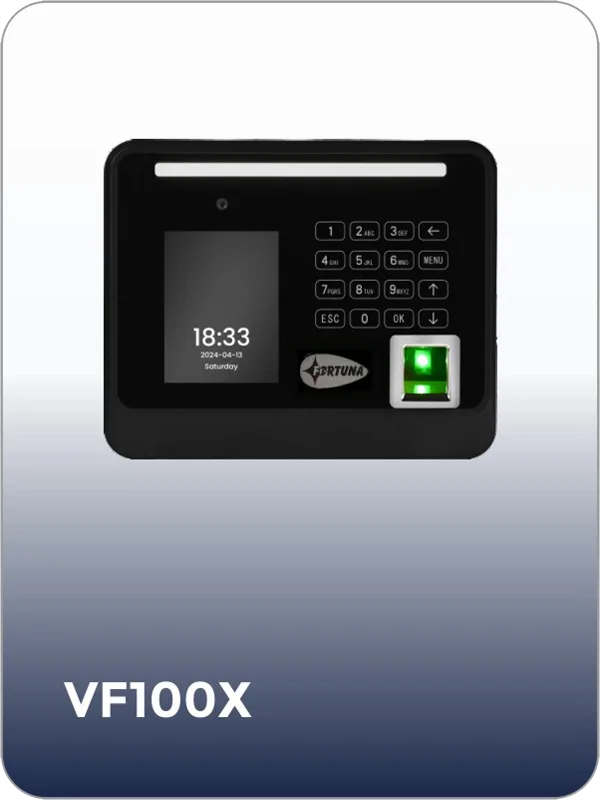
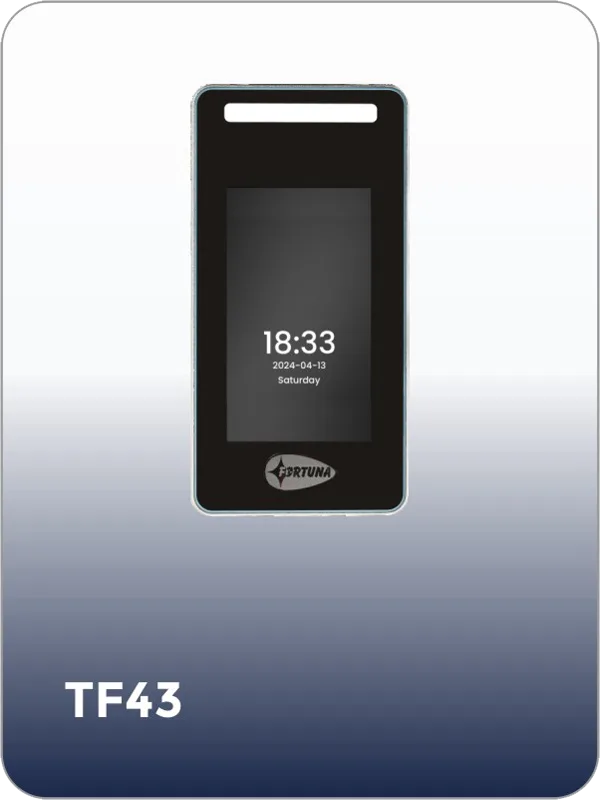
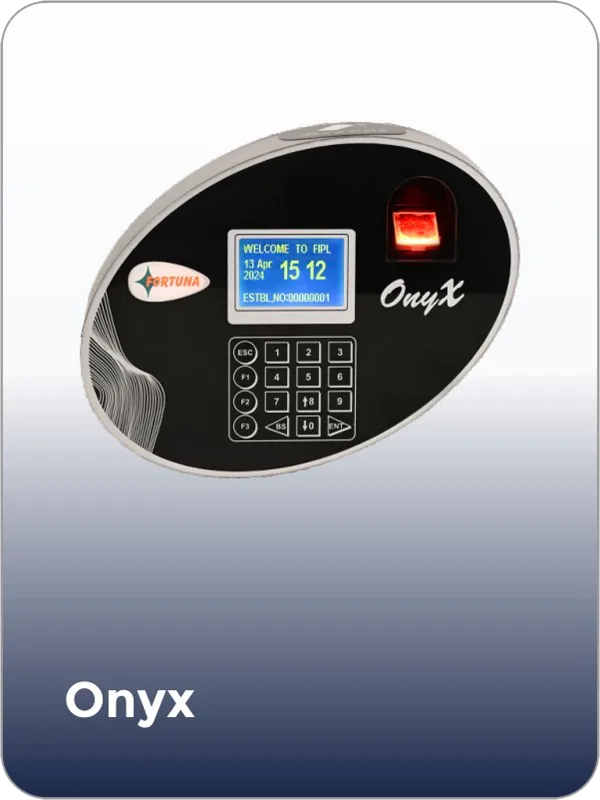
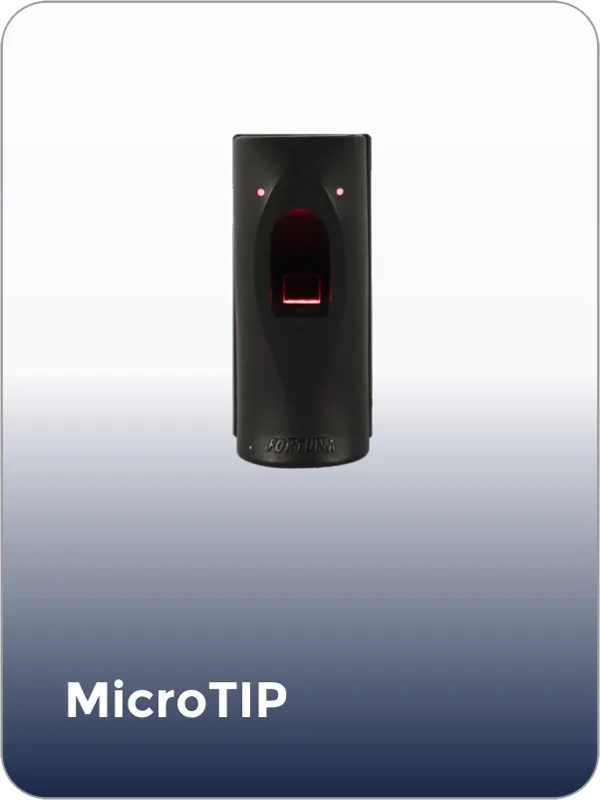
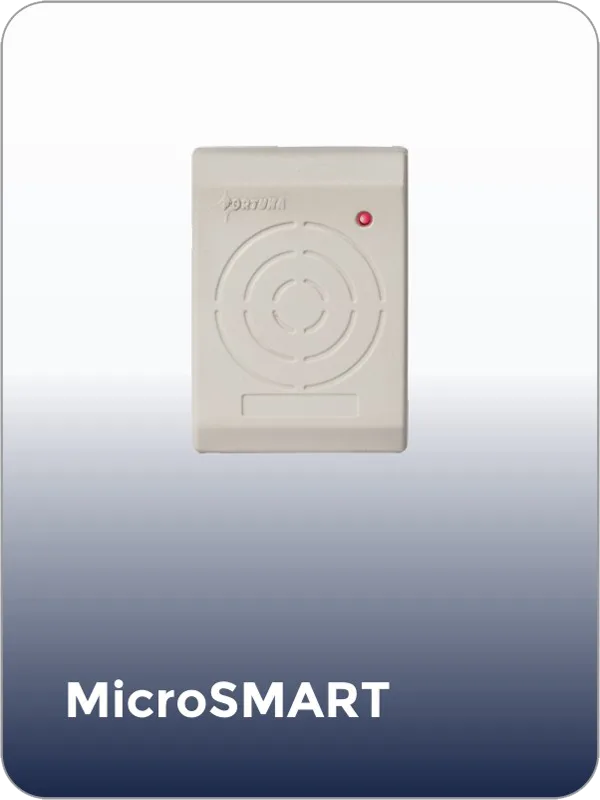
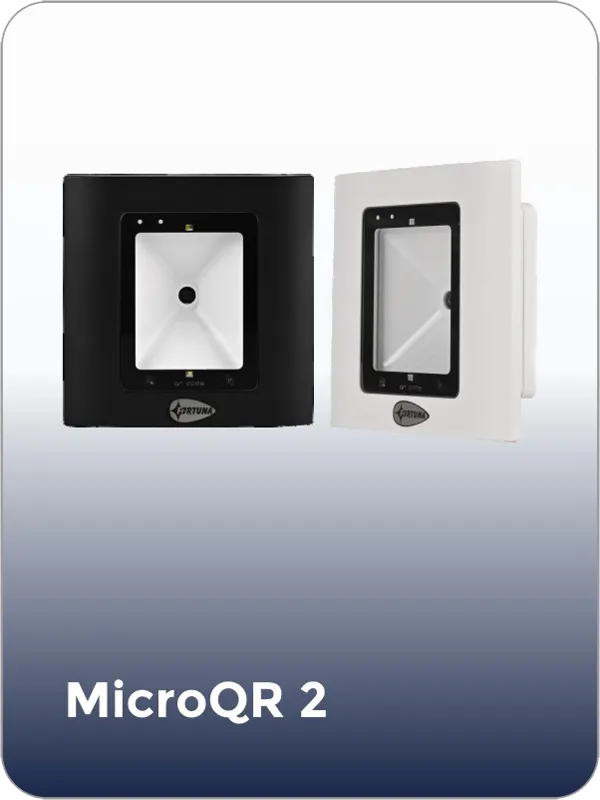
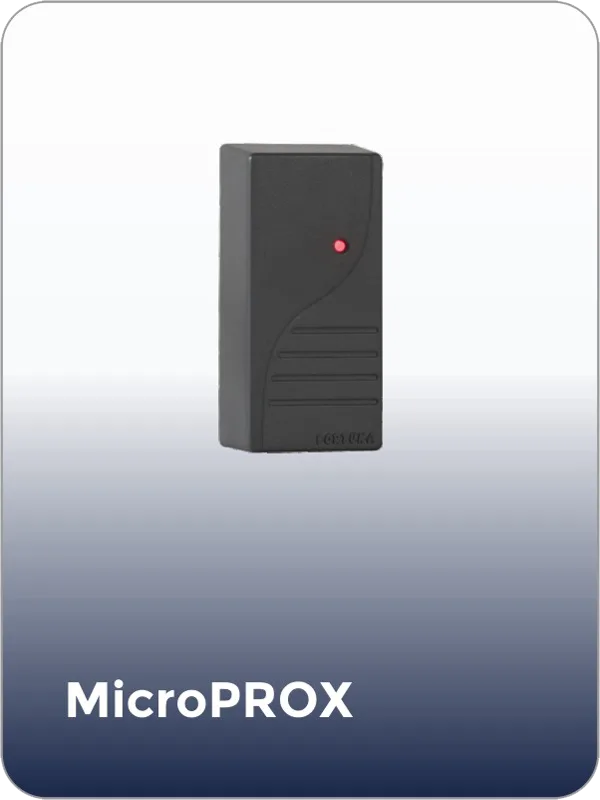
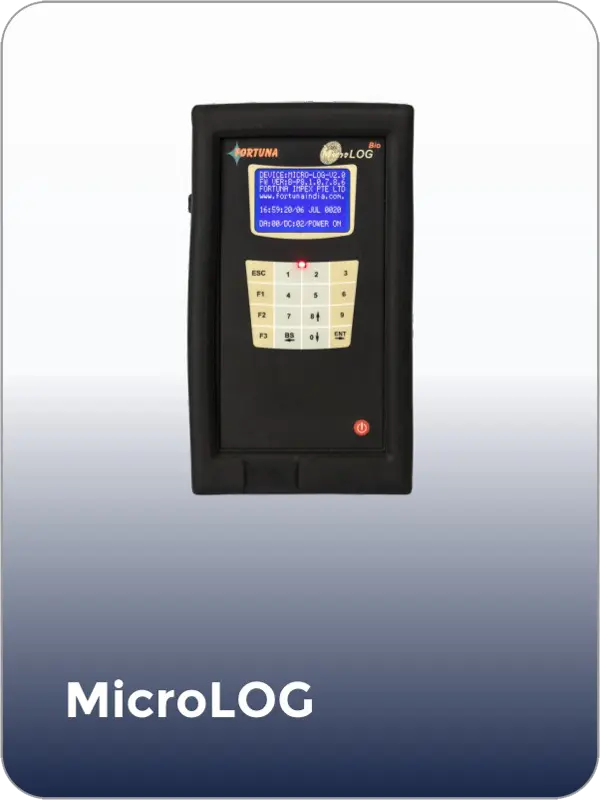
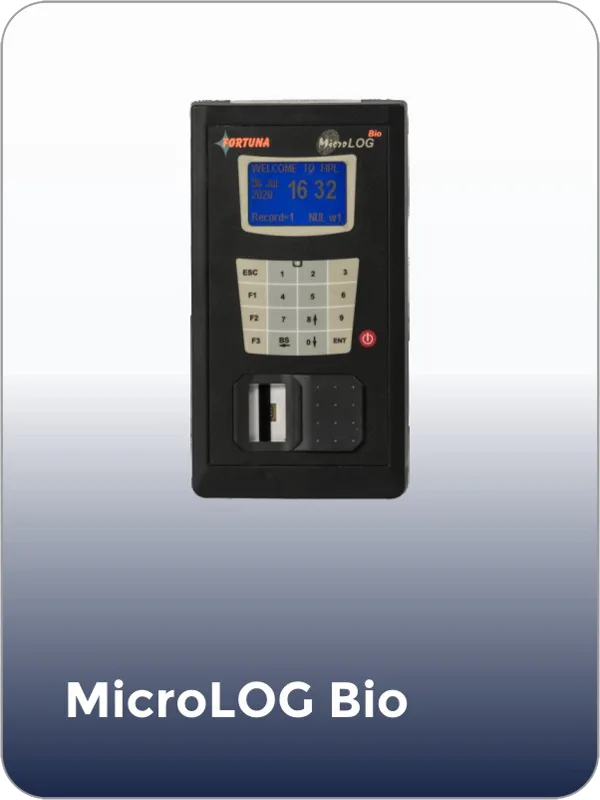
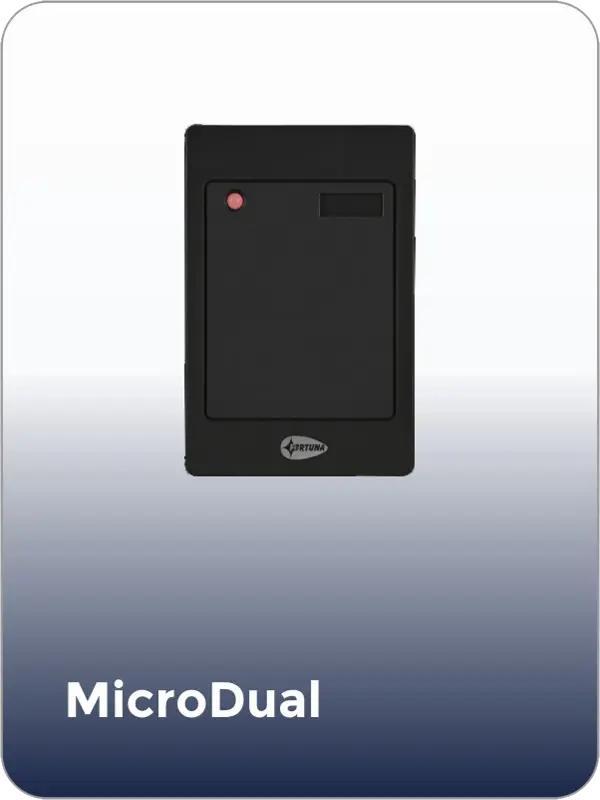
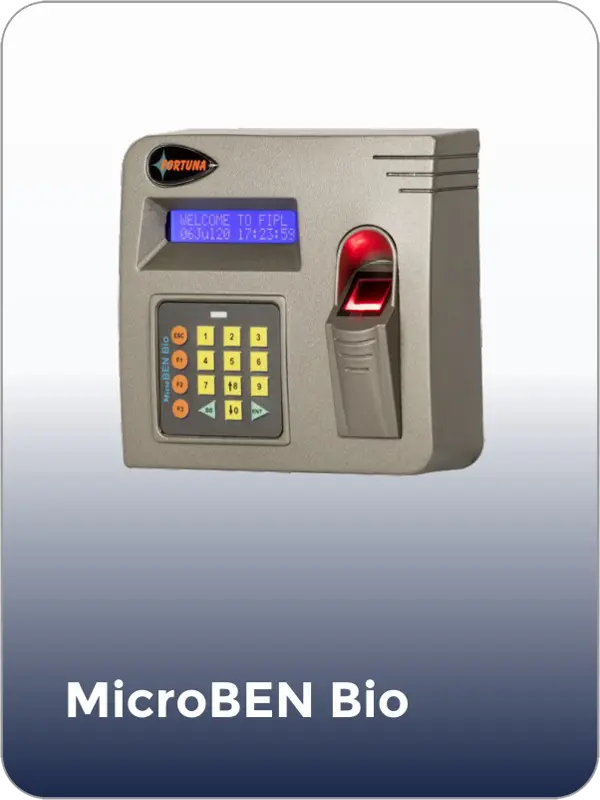
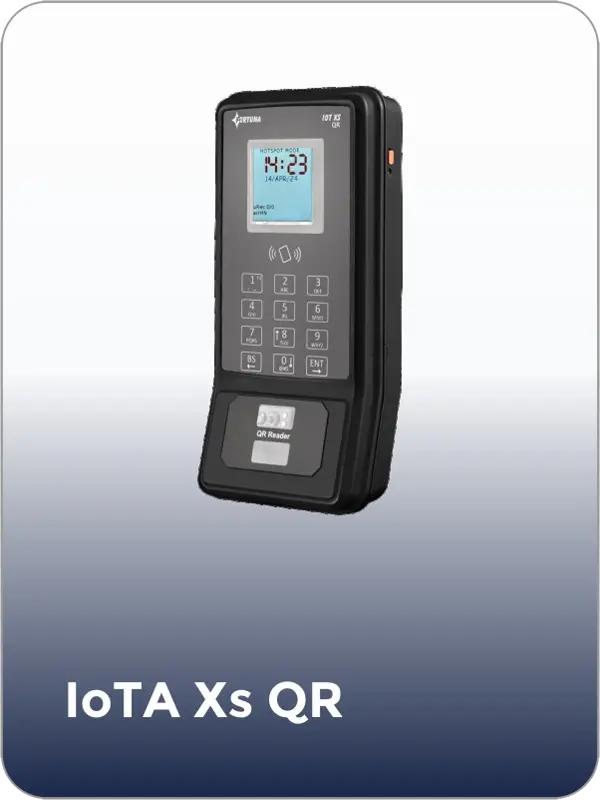
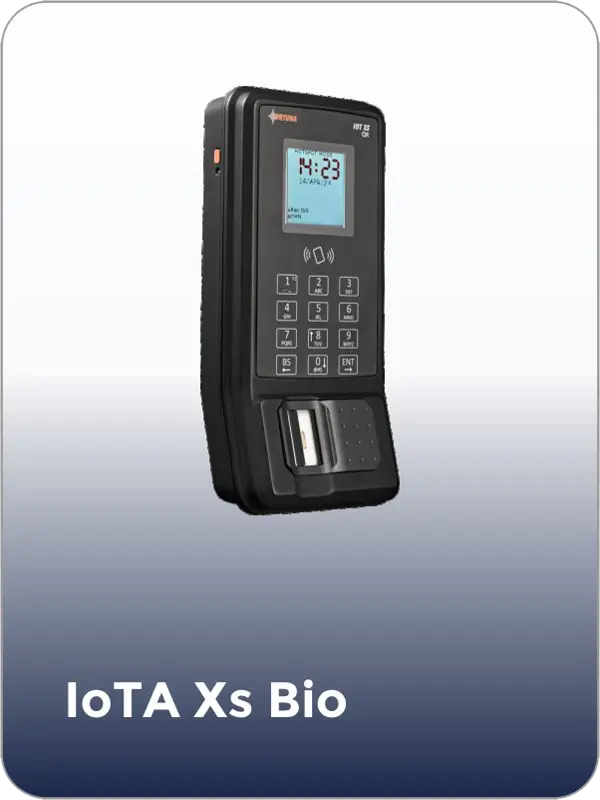
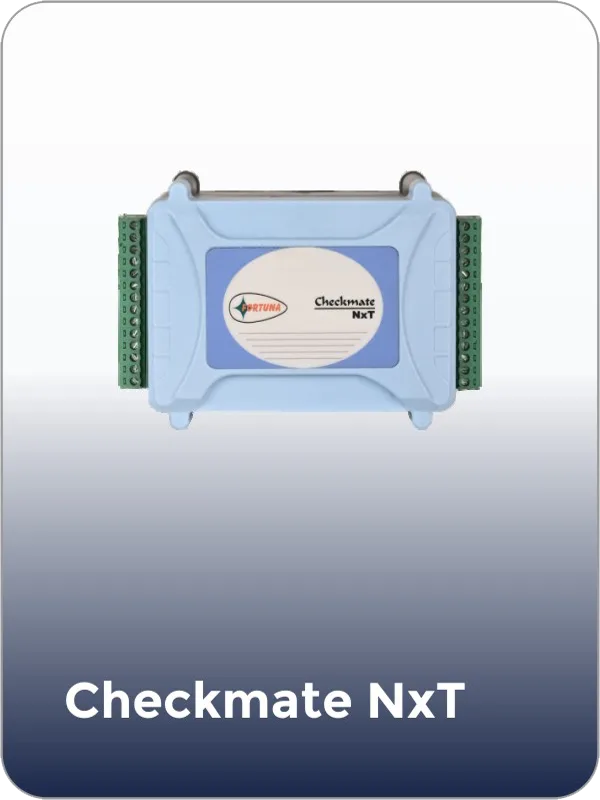
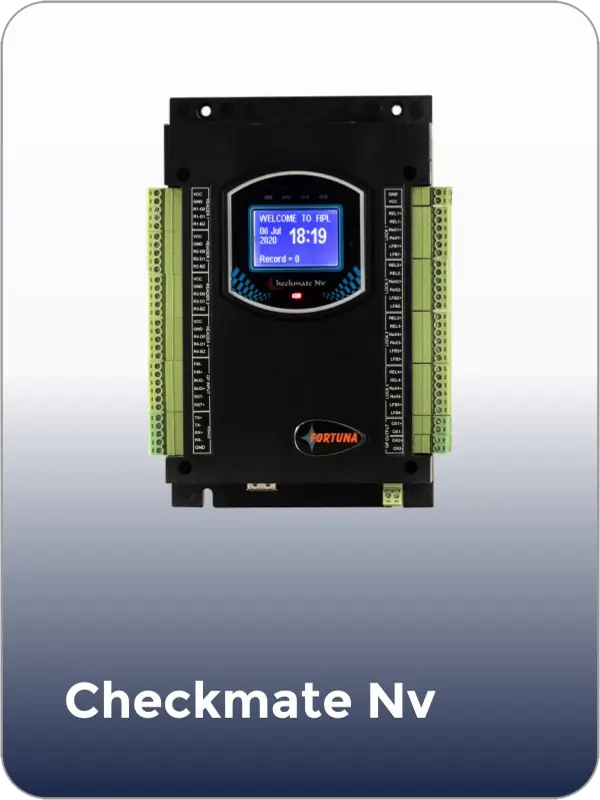
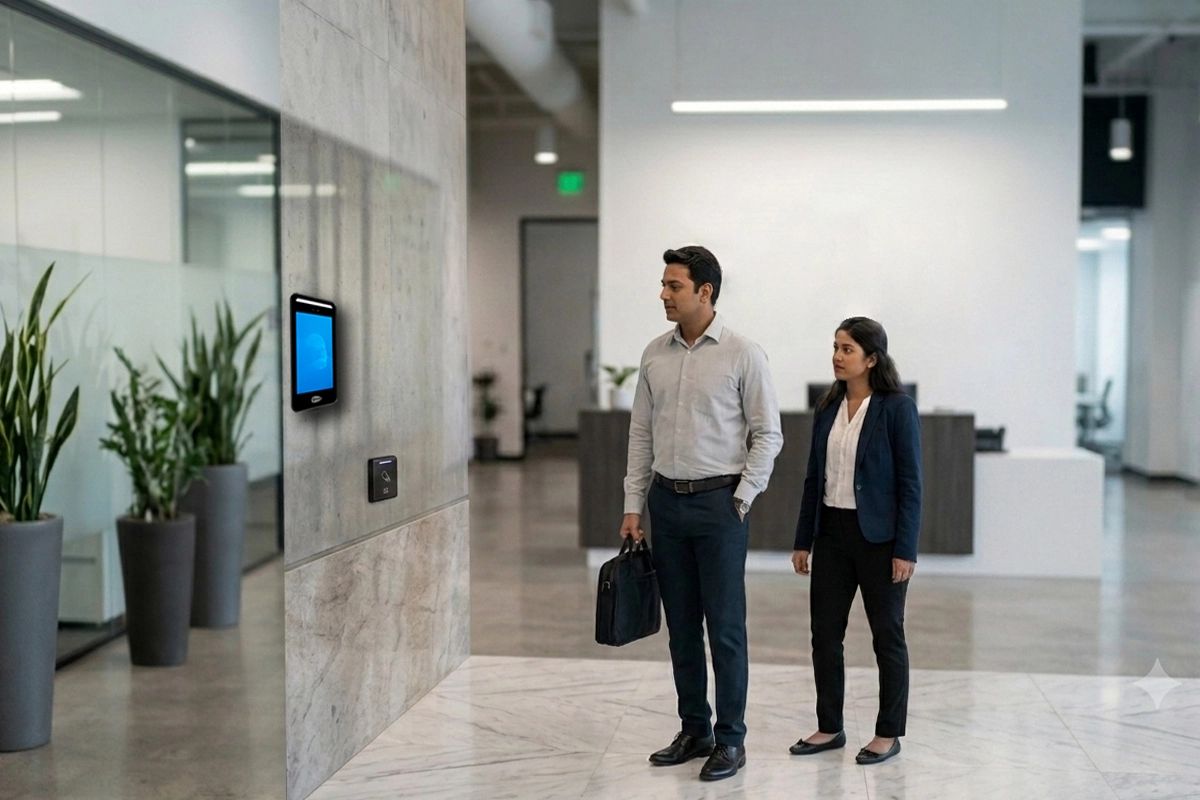
For most corporate offices, a face recognition terminal at the main entry combined with a mobile app for remote and hybrid employees covers the full workforce. The VF1000 handles high-volume office lobby entry with AI face recognition at under 0.3 seconds. The Fortuna mobile app adds GPS-verified selfie attendance for employees working from home or in the field. Branch offices use the TF43 or VF200 connected to the same cloud dashboard. All attendance data consolidates in one SmartFace view that HR and payroll can access in real time.
Fortuna’s mobile app allows employees working from home or in the field to mark attendance via selfie with liveness detection — preventing photo spoofing — and GPS geofencing that verifies the employee is within the approved location. For remote teams, the company configures a geofence radius around their home address or client location. GPS coordinates and selfie images log with each punch. The platform flags punches outside the geofence for manager review. Office attendance from biometric terminals and remote app attendance appear in the same dashboard and the same report format.
Fortuna’s PM Neo module provides REST API integration with SAP, Oracle HCM, greytHR, Darwinbox, Keka, and Tally. Employee master data flows from the HRMS to Fortuna — new joiners are automatically enrolled, exits trigger deactivation. Processed attendance data flows back to payroll — shift hours, overtime, late marks, and leave balances — in the format the payroll system requires. One-time integration setup eliminates the monthly export-and-map process entirely.
Yes. Fortuna’s shift management module supports multiple shift configurations on the same platform — fixed shifts, rotating shifts, flexi-hour windows with core hours, and open-ended field policies. Different shift rules apply per department or per employee. Operations on fixed 9am–6pm, corporate teams on flexi arrival, field executives on mobile GPS: each runs on the same platform with separate overtime calculations and payroll treatments. Shift assignments update through manager or admin actions without requiring separate system configurations.
Face recognition terminals with liveness detection require the physically present employee to authenticate — a photograph, video replay, or mask cannot fool the sensor. Each authentication logs the employee’s biometric identity, not just a card or PIN. The system records the exact time and device at which the authentication occurred. Where employees have previously relied on card or PIN workarounds, the switch to biometric eliminates proxy punching in the first week of deployment without any manual enforcement.
Yes. Fortuna’s SmartFace platform is built for multi-location enterprise deployment. Branch terminals connect to the same SmartFace server via push technology over any internet connection — no IT infrastructure required at each branch beyond the device and connectivity. HR at head office sees all branch attendance in real time from one dashboard. Device configuration, shift updates, and holiday calendar changes push from head office to all branches simultaneously without on-site visits.
A corporate office of 500 employees is typically live in one to two days. Day one covers terminal installation, server configuration, and administrator training. Day two covers employee face enrollment — approximately 200 to 250 employees per enrollment station per hour, so 500 employees complete in two to three hours at two enrollment points running in parallel. Where employee photos are already available in the HRMS, remote enrollment from existing images reduces on-site time further. Fortuna provides on-site support and go-live assistance at every deployment.
Tell us about your organisation — head office size, number of branches, remote team percentage, and current HRMS — and we will scope an attendance system that fits your employment mix and payroll calendar.
fortuna.yellowwood.in
Typically replies within minutes
Any questions related to Corporate office attendance system?
WhatsApp Us
Online | Privacy policy
WhatsApp us