Different plans, different access. QR passes for guests via WhatsApp. Meeting rooms locked to actual bookings. 24/7 for premium members.
A hot desk member should not walk into a private suite. A part-time plan should not allow Sunday evening access. A guest visiting a member should not be able to roam unescorted. Enforcing these distinctions without electronic access control means relying on a front desk that is not always staffed. Fortuna’s co-working space access control system maps each membership plan to a set of zone permissions — open floor, private cabins, meeting rooms, lounge, server closet — and updates every reader simultaneously when a member upgrades, downgrades, or cancels. QR visitor passes expire automatically. Meeting room doors lock the moment a booking ends. The operator sees real-time occupancy across every zone from one dashboard.
Trusted by Park Hotel, Gold’s Gym, Cult.fit, and 20,000+ organisations across India since 1996.
A co-working space sells five plan tiers — hot desk, dedicated desk, private cabin, team suite, 24/7. The pricing difference between a hot desk and a private cabin is significant. Without electronic access control, the only thing preventing a hot desk member from using a private cabin is a front desk attendant who is not present at all hours and cannot recognise every member by face. Access unenforced by electronics is access unenforced in practice.
Members bring guests regularly. Without electronic passes, a physical guest badge handed out in the morning is still valid at midnight — and the person carrying it may not be the guest it was issued to. Guest badges get passed between colleagues, lost, or copied. The operator has no log of how many unique guests entered on a given day, which zones they accessed, or whether any of them overstayed. For a space that charges for access, untracked guests are unmonetised entries.
A premium meeting room booked via calendar for two hours sits empty for an hour and a half because the member didn't show up or finished early. Another member who needs the room sees it as booked and looks elsewhere. The operator has no way to enforce a no-show policy or release the room early without a front desk staff member physically checking each room on the hour. Ghost bookings are a consistent revenue leak in every co-working space that relies on calendar tools alone.
Premium members with 24/7 access arrive at 10pm, work through the night, and leave at 6am. The operator has no real-time view of who is in the building during these hours — no occupancy count, no zone-level picture, no way to confirm the building is empty before locking it up. This is both a security risk and a fire safety issue in buildings where emergency services need to know how many people are on the premises.
A member's monthly plan expires. They stop paying. The access card or app credential they were issued remains active until someone manually deactivates it — which requires the operations team to remember, check the billing system, and take action in the access system. In a busy co-working space with high membership churn, the window between a payment lapse and access deactivation can run to days or weeks. The former member retains access to the building, equipment, and other members' belongings during that window.
Fortuna’s co-working access control system maps each membership tier to a zone permission set and enforces it electronically — so plan differences that were previously just pricing points become enforced operational realities, with no front desk dependency.
Hot desk members access the open floor and common areas during business hours. Dedicated desk members get the same zones plus their desk area at any time. Private cabin members access their cabin, associated floors, and meeting rooms on their plan. 24/7 premium members have no time restriction. When a member upgrades, downgrades, or cancels, the admin updates their plan in SmartFace and every reader reflects the new permissions immediately — no per-door update, no key handover.
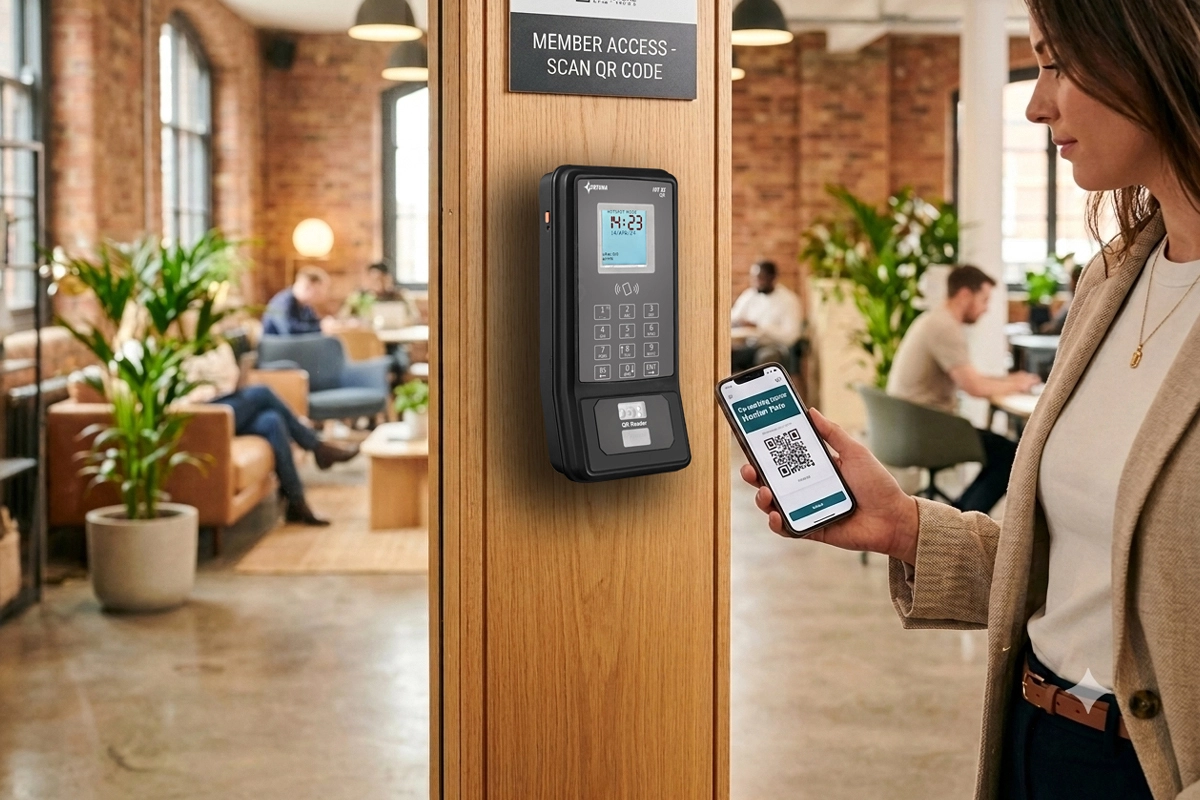
Members request a guest pass through the portal or front desk. The guest receives a unique QR code via WhatsApp valid only for the zones needed and only for the visit duration. The IoTA Xs QR or MicroQR 2 reader validates the QR at each access point. The pass expires automatically — no badge collection, no manual revocation. Guest visit logs record entry time, exit time, which zones were accessed, and which member they visited. Overstays trigger an alert to the operations team.
Fortuna's amenity booking module connects meeting room reservations to access control. A booking made from 2pm to 3pm unlocks the room reader for the booking member at 2pm and locks it again at 3pm — whether the member exits or not. Ghost bookings show up in occupancy logs. The operator can configure a no-show policy: if the room is not accessed within 10 minutes of the booking start, it is released for others. No front desk staff required to enforce any of this.
Configure exactly which hours each plan tier can enter each zone. Business-hours members get 8am–9pm on weekdays. Weekend-access plans add Saturday and Sunday. 24/7 members have no restriction. Time-based rules enforce without any manual front desk action — a member on a business-hours plan who arrives at 10pm is denied at the reader, and the attempt is logged. After-hours access requests can route through manager approval for plan upgrades or one-time exceptions.
SmartFace shows the operator a real-time zone occupancy view: total count in the building, members in open floor versus private cabins versus meeting rooms, and any zones approaching configured capacity limits. After-hours, the operator can see at a glance whether the building is empty. In an emergency, the system produces an instant headcount and member identity list for each zone. Historical occupancy data by zone, day, and time is available for space planning and plan pricing decisions.
Tell us about your space — number of zones, membership plan tiers, member count, and whether you need 24/7 access and meeting room control — and we will scope an access system that enforces your plan structure without front desk dependency. Free demo. No obligation.
Trusted by Park Hotel, Gold’s Gym, Cult.fit, and 20,000+ organisations. Hardware designed, built, and supported in India since 1996.
Define zone access permissions per membership plan. Hot desk, dedicated desk, private cabin, team suite, and 24/7 plans each map to a distinct set of zone permissions and time windows. Plan changes update access immediately from the SmartFace dashboard — no per-door update required. Multiple plans can share a zone permission set where appropriate, reducing configuration overhead for operators with many plan variants.
Bookings made in the amenity booking module activate and deactivate meeting room readers on a scheduled basis. The booking member gains access at the booking start time. Access expires at the end of the booking — the door locks whether the member has exited or not. Ghost bookings appear in occupancy logs for no-show policy enforcement. Other members cannot access an occupied room during a live booking from the same system.
Real-time zone occupancy across the entire space from one SmartFace view. Live headcount by zone. Historical occupancy heatmaps by zone, day, and hour for space utilisation analysis. Capacity alerts for zones with a configured maximum. Emergency zone occupancy export — who is currently in the building, by identity — for fire drill and incident response. Access event feed filterable by member, zone, time, and event type.
Connect Fortuna's access system to your membership management platform. New member sign-ups auto-provision access credentials based on their plan. Plan upgrades and downgrades update zone permissions immediately. Membership cancellations or payment lapses trigger automatic access deactivation across all readers without any manual operation action. Integration API supports custom membership management platforms through standard REST endpoints.
Members request guest passes through the operator portal. Guests receive a unique QR code via WhatsApp valid only for the zones and time window specified. IoTA Xs QR and MicroQR 2 readers validate QR codes at every access point. Passes expire automatically — no badge return, no manual deactivation. Guest entry and exit logs are available for every visit with host member attribution.
Configure access windows per plan tier and per zone. Business-hours plans enforce entry cutoffs without any front desk action. After-hours plans allow specific members unrestricted access. One-time exceptions — a member needs overnight access for a product launch — route through manager approval in the system and activate only for the approved window. All after-hours access logs identically to business-hours access.
When a member whose plan has expired attempts to authenticate, the system denies access and alerts the operations team in real time — including member identity, zone, and timestamp. Configure alerts for other events: a member accessing a zone not included in their plan, repeated denied attempts at a restricted area, or a guest QR pass used after its expiry time. Every alert is a logged event with full access attempt details.
Members can access the space via QR code on their phone — no physical credential required. For operators that prefer physical credentials, MIFARE member cards work with IoTA Xs Bio and MicroDUAL readers. Biometric fingerprint enrollment is available for premium plan members who prefer hands-free access without retrieving their phone. All three credential types — QR, card, and biometric — are manageable from the same SmartFace admin interface.
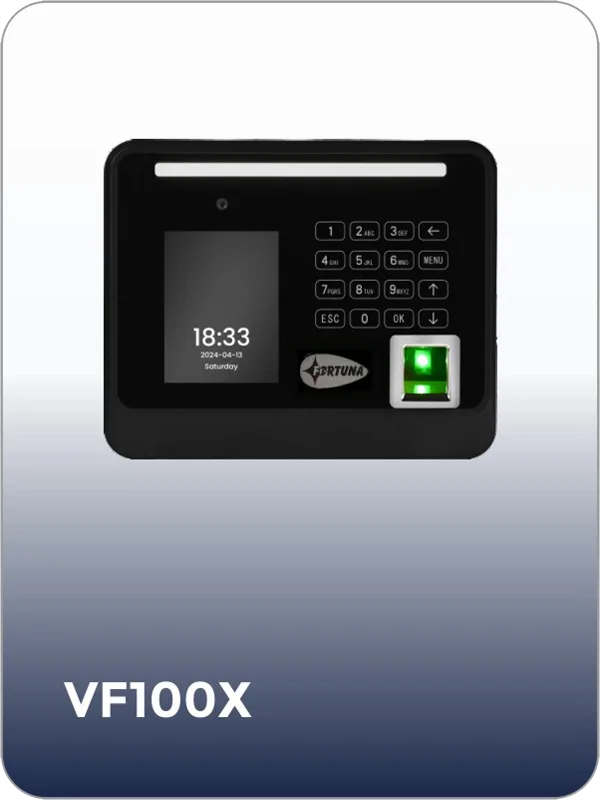
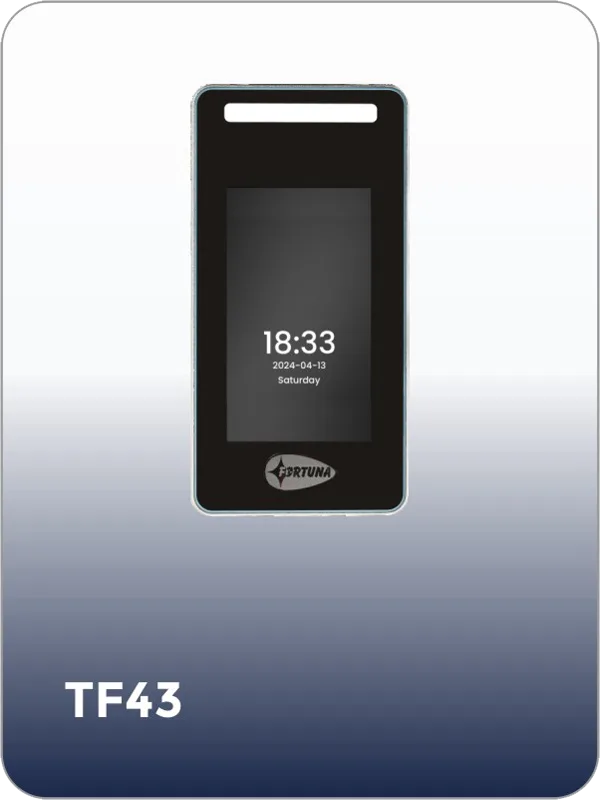
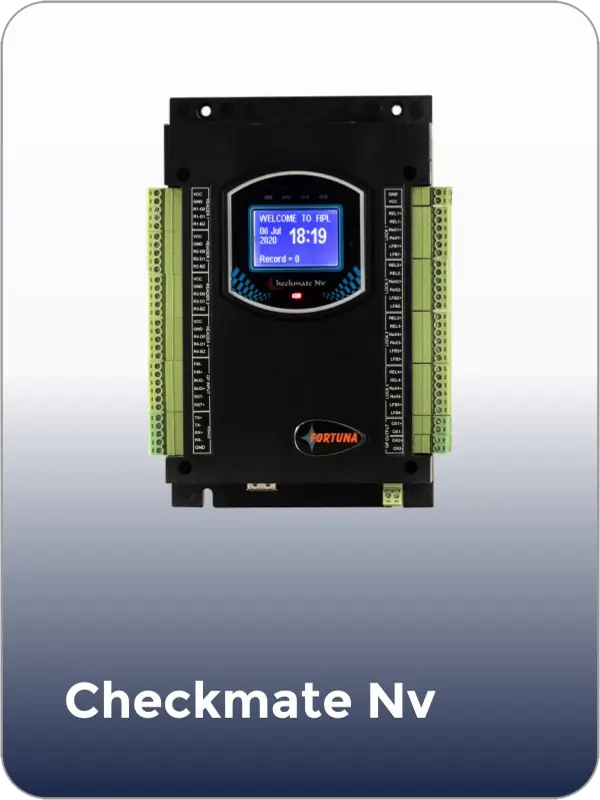
Fortuna builds every device below for co-working space access control — QR, fingerprint, and card readers with plan-tier rules from one platform.
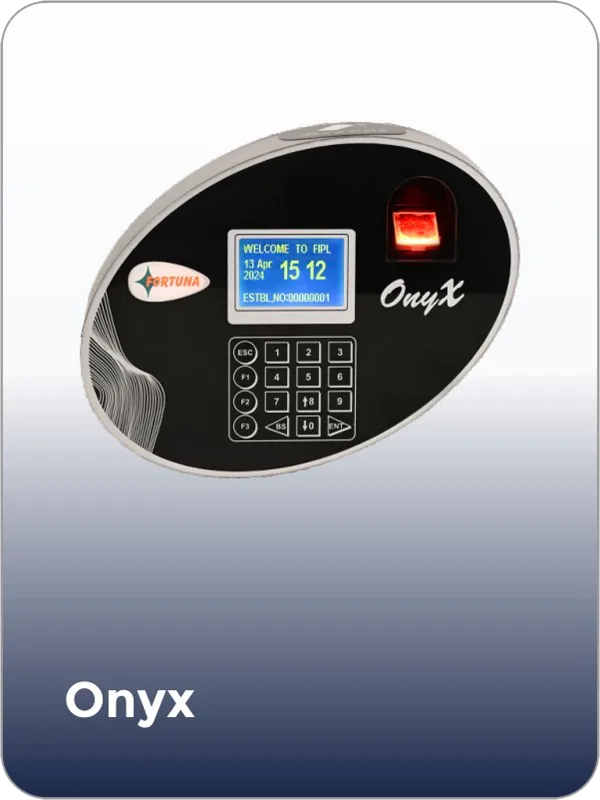
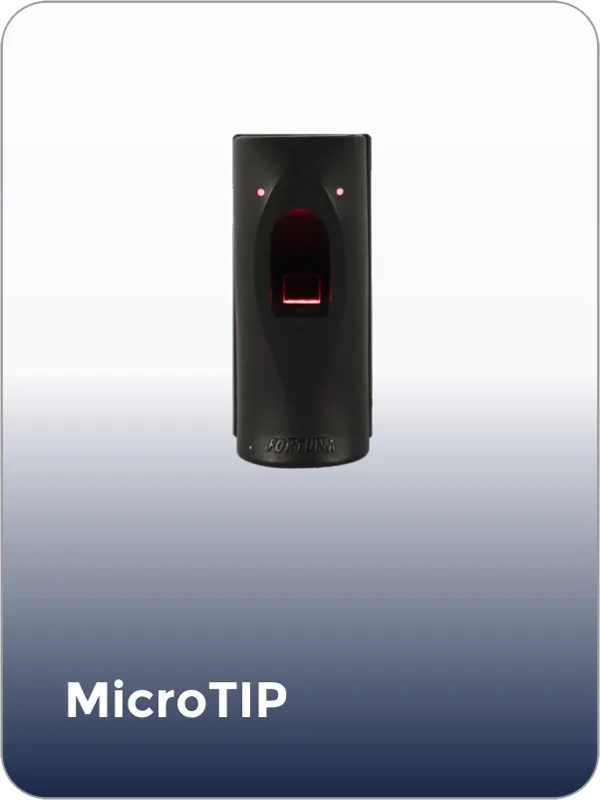
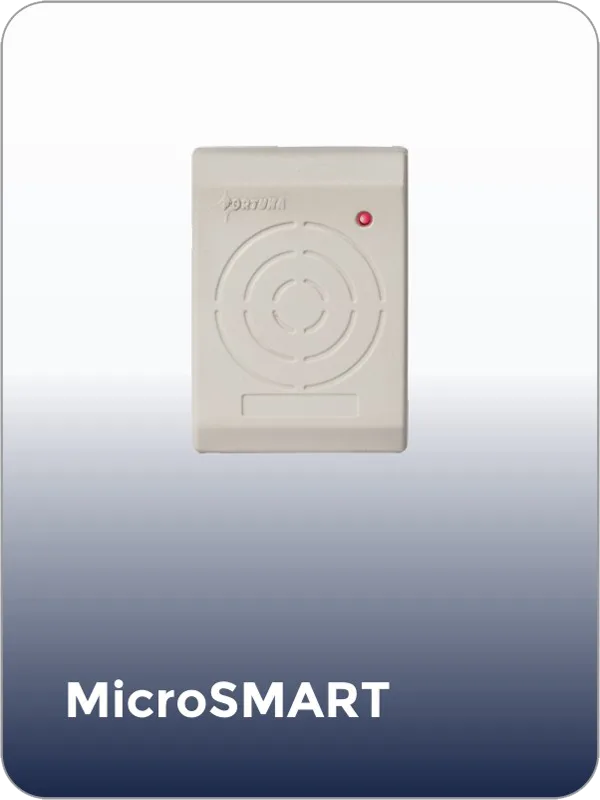
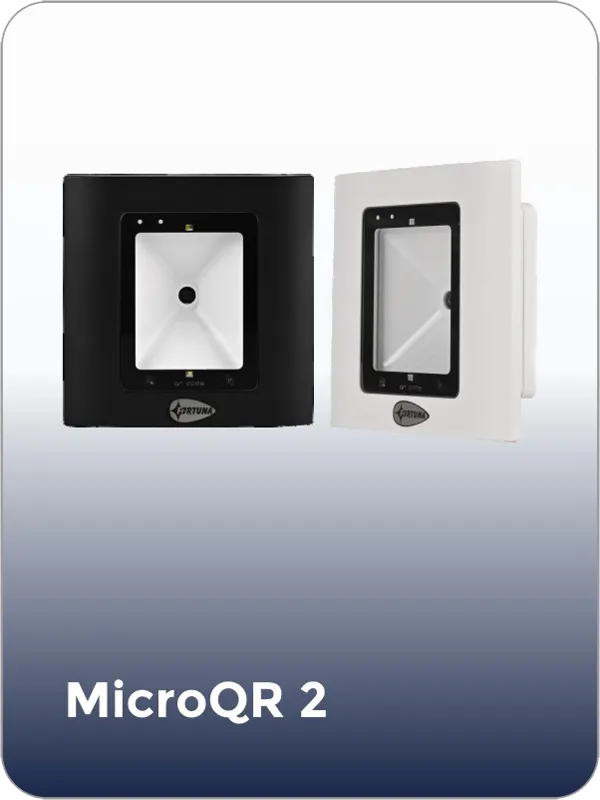
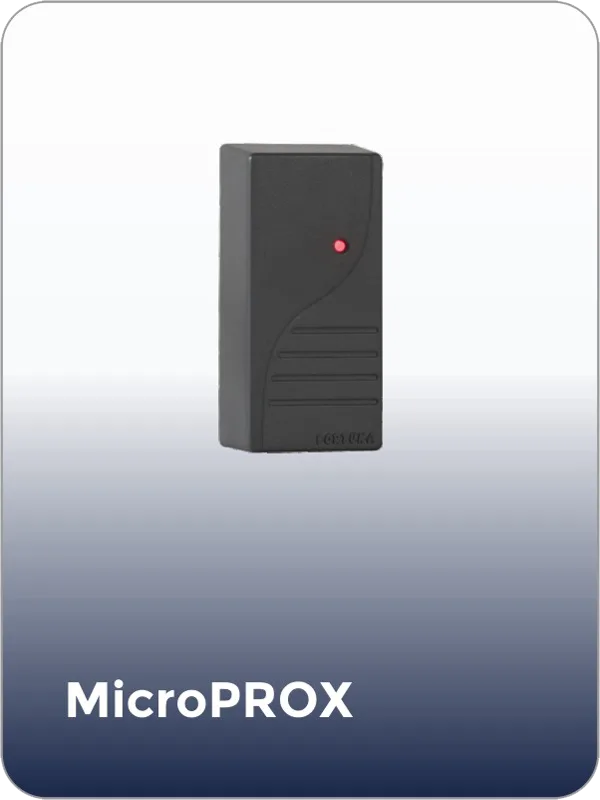
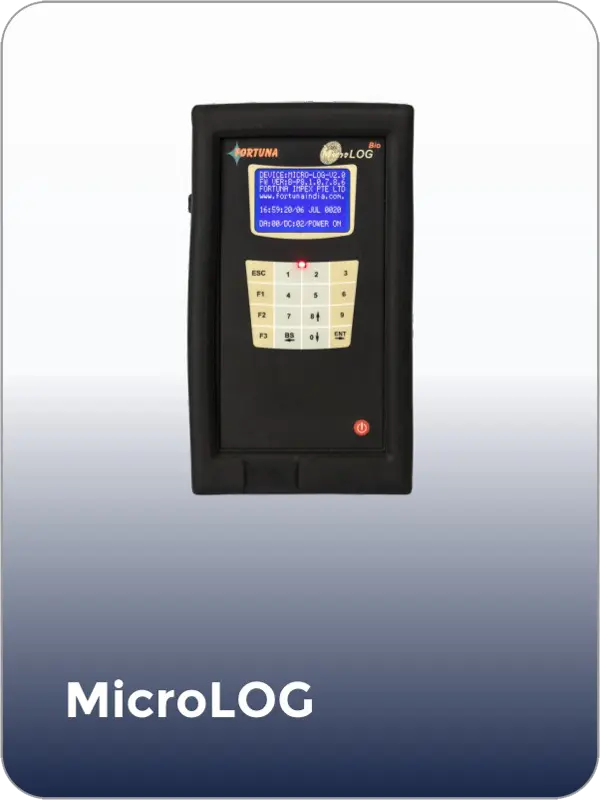
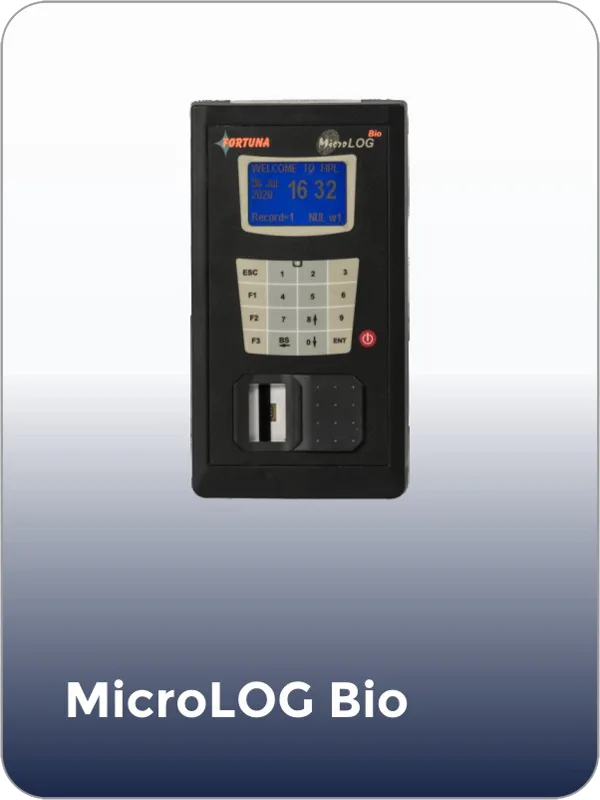
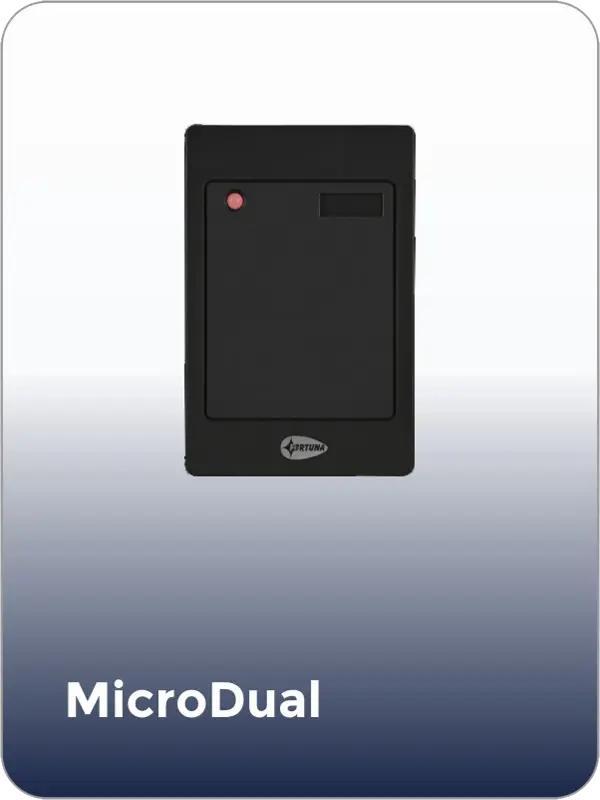
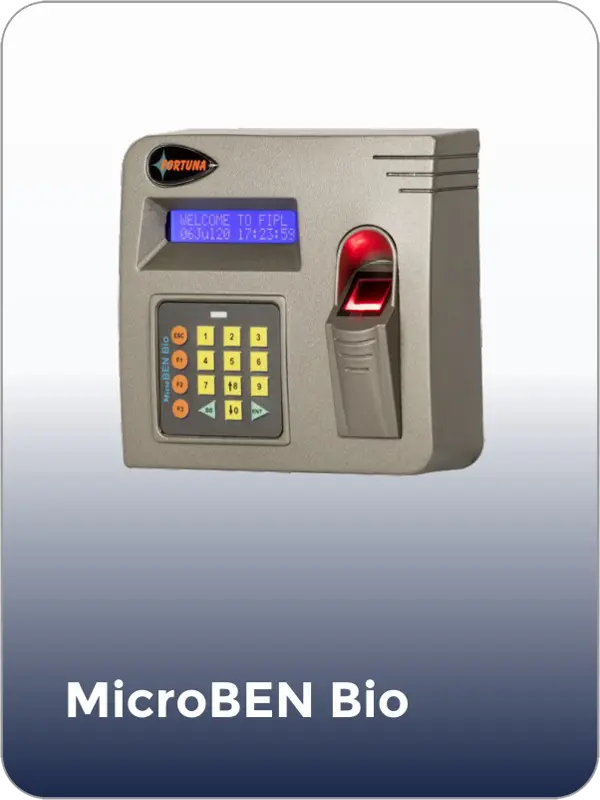
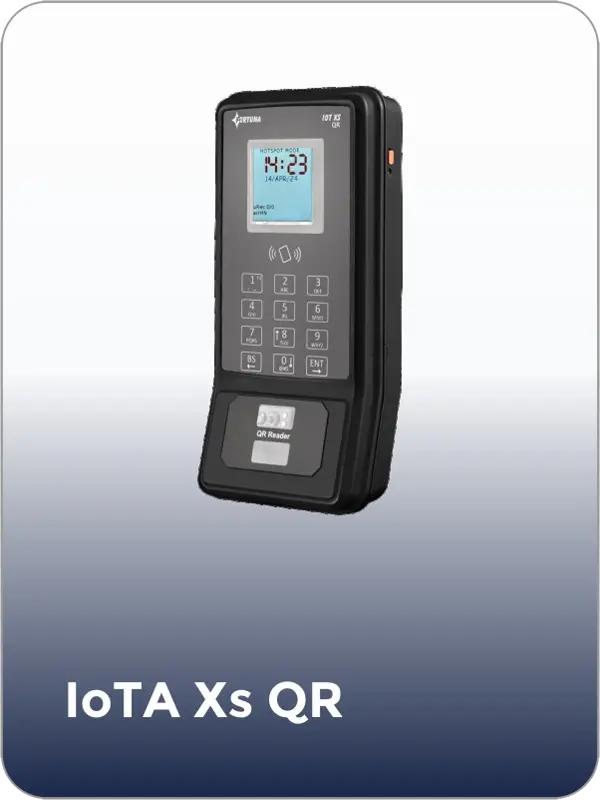
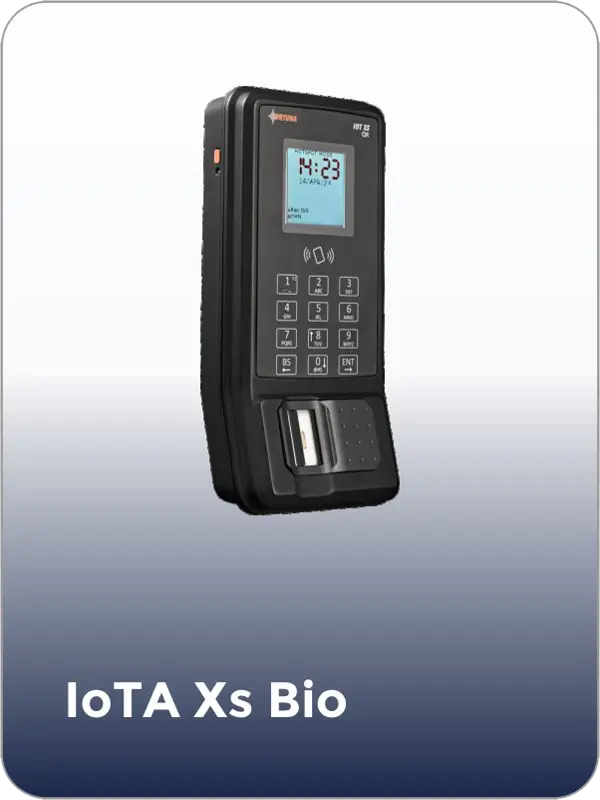
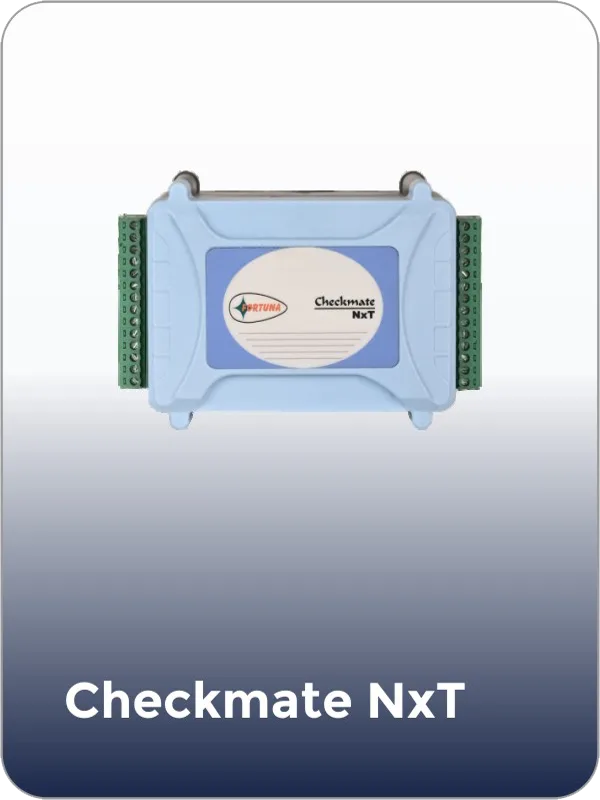
Each membership plan maps to a set of zone permissions in Fortuna’s access control system. A hot desk plan gives access to the open floor and common areas during business hours. A dedicated desk plan adds unrestricted access to the assigned desk area. A private cabin plan grants access to the cabin and associated floor during contracted hours. A 24/7 plan removes all time restrictions. When a member upgrades or downgrades, the admin updates their access profile in SmartFace and the change applies at every reader immediately.
Yes, for members on plans that include after-hours access. Time-based access rules allow the operator to configure exactly which hours each plan tier can enter. A standard hot desk plan may limit access to 8am–9pm on working days. A 24/7 premium plan removes all time restrictions. After-hours access events log identically to business-hours events — the operator has a complete record of who entered the building at any hour, from any zone.
Members request a guest pass through the operator’s portal or front desk. The guest receives a QR code via WhatsApp or email that grants access to the configured zones — typically the lobby and the member’s work area — for the duration of the visit. The IoTA Xs QR or MicroQR 2 reader validates the QR at the relevant entry point. The pass expires automatically at the configured time. No physical badge issue is required. Guest visit logs show entry time, exit time, zones accessed, and host member.
Yes. Fortuna’s amenity booking module integrates with access control so that a meeting room reader only grants entry during the booked slot for the member who made the booking. A room booked from 2pm to 3pm is accessible only to the booking member from 2pm; the door locks at 3pm regardless of whether the member has exited. Ghost bookings — rooms booked but not accessed within the no-show window — show in occupancy logs, allowing the operator to release the room and enforce a booking policy.
When a membership is marked as expired or cancelled, integration with Fortuna triggers automatic deactivation of all access credentials — QR, biometric, and card — for that member. The member is denied at every reader immediately. No manual access card collection is required. If integration is not configured, the admin deactivates the member from SmartFace in one action that reflects at all access points instantly. Reactivation on plan renewal is equally immediate.
Yes. Fortuna’s MicroDUAL reader supports dual-frequency card reading — 125 kHz EM Prox and 13.56 MHz MIFARE — via Wiegand 26/34 output. If the co-working space already issues RFID member cards, MicroDUAL can validate those cards at entry points while the operator transitions to QR-based or biometric access over time. This allows a phased deployment without replacing the existing card infrastructure immediately.
Fortuna’s SmartFace dashboard shows live zone occupancy based on access events — how many members are currently on the open floor, in private cabins, in meeting rooms, and in the building overall. Occupancy data updates in real time as members authenticate at entry and exit readers. Zones with a configured capacity limit generate alerts when approaching that limit. Historical occupancy patterns are available by zone, day, and time for space planning and pricing decisions
A co-working space with up to five zones and 200 active members can be fully configured in one day. Hardware installation, zone configuration, and member enrollment complete in a single on-site session. For QR-based access — the recommended starting configuration — member enrollment requires no biometric capture; the system issues each member a unique QR credential accessible via their phone. Fortuna provides on-site installation support and operator training at every deployment.
Tell us about your space — number of zones, membership plan tiers, active member count, and whether you need 24/7 and meeting room control — and we will scope an access system that enforces your plan structure without front desk dependency.

fortuna.yellowwood.in
Typically replies within minutes
Any questions related to Co-working space access control?
WhatsApp Us
Online | Privacy policy
WhatsApp us