
Every method, vendor-neutral, with a step-by-step workflow.
Integrating a biometric device with your software is simpler than it looks: the device captures a punch — face, fingerprint, or card — and your software reads that event through an API and applies its own logic. This guide covers every method, from REST API polling to push-based webhooks to on-device access control, with architecture patterns, a data-format reference, and a step-by-step workflow that works regardless of your language or stack. It’s written by a hardware manufacturer, so it’s honest about the trade-offs.
Written by Fortuna — a biometric device manufacturer since 1996, with 200,000+ devices deployed across 20,000+ organizations
At a glance
Fortuna devices deployed across
Who it’s for
You have a working HRMS or payroll system and want to offer clients biometric attendance. You need punch data flowing into your attendance module so shifts, overtime, and leave calculate automatically — a device that exposes its data through an API your software can read.
Your ERP covers procurement, inventory, finance, and HR. The HR module needs physical attendance validation from devices at client sites. You need a vendor that supports multi-tenant deployments and keeps each client's data isolated.
Your platform manages memberships, bookings, and trainer schedules. You need biometric check-in tied to membership validation — instant grant/deny at the entrance, plus visit history for retention analytics. Sub-second response at the gate is non-negotiable.
Your system handles admissions, fees, timetables, and parent communication. You need gate-level or classroom-level biometric attendance that syncs student and staff data back to your platform, plus careful handling of biometric data for minors.
Your HIS manages patient records, staff rosters, and department access. You need time-and-attendance for nurses and doctors across rotating shifts and wards, plus role- and zone-based door access for restricted areas.
You build bespoke software for niche clients — logistics, co-working, government, manufacturing. Each project has unique attendance or access rules, and you need a biometric hardware partner whose API is flexible enough to map to any business logic.
Methods
A biometric device captures an identity event (face, fingerprint, card) and exposes it so your software can consume it — by your software pulling events from an API, by the device pushing events to your endpoint, or by the device deciding locally (for access control) and reporting the event afterward. Choose the pattern by your real-time needs, your server setup, and how many devices you’ll manage.
Your software periodically calls the device's platform to fetch new punch records — every few seconds for near-real-time, or every few minutes for batch. Simple to build: your server initiates every call, so no inbound firewall rules are needed. Data is as fresh as your polling interval.
This is how Fortuna's platform works — a pull-based REST API, with a punch typically available within about two minutes. Pull is deliberately robust on the intermittent connections common at real sites.
The device or its platform POSTs a JSON payload to your callback URL the instant a punch happens. Lower latency, fewer resources than constant polling — but your endpoint must be publicly reachable and always online.
Honest note: Fortuna's cloud API is pull-based, not webhook-push. For the case where webhooks are usually proposed — instant door decisions — Fortuna handles it more directly on the device itself, avoiding a cloud round-trip.
For access control, the terminal makes the grant/deny decision locally in under a second and drives the door directly through Wiegand, OSDP, or a relay output — then reports the event to your software via the API for logging. No cloud round-trip sits between the scan and the door.
This is how Fortuna handles real-time access — instant at the door, with the API used for the audit trail rather than the live decision.
Criteria
REST API polling (pull)
Push webhooks
On-device control
Real-time latency
Seconds to minutes
Sub-second
Instant at the door
Server requirement
Scheduler / cron
Public endpoint, always on
None for the decision
Best for
Batch attendance
Live dashboards
Door / turnstile access
Cloud dependency
Yes
Yes
No (local decision)
Fortuna support
Yes — the platform API
Not webhook-push
Yes — Wiegand/OSDP/relay
Step by step
Confirm the device offers a documented REST API and a clear JSON format over HTTPS. Ask for sample responses and test credentials before committing. Fortuna terminals expose the same REST API — no SDK required — with documentation and a Postman collection at onboarding.
Connect the device to the network (Ethernet, Wi-Fi, or 4G) and set where it reports. Fortuna devices can ship pre-configured to your endpoint, so they register on first connection — power on, connect, done.
Obtain your credentials and make a first status call that returns the device identity and online state. If it succeeds, your connection is live; if not, check network, ports, and credentials. (Authentication details are provided to partners on approval.)
Map your software's employee/member IDs to device users and push each user through the API. Send a photo and the platform trains the face model and pushes it to the assigned terminals — no on-device enrollment, and one bulk call can create, update, or deactivate many users.
Request new transactions on your schedule and parse the JSON. A representative payload:
Raw punches are just timestamped events; your software turns them into meaning — present/absent, late marks, overtime, class-period or shift matching, membership validation. The device provides the input; your platform owns the rules.
Devices cache punches locally and sync when the network returns; reconcile gaps in the timeline. Run in parallel with existing records, log every call, add retry with backoff for failed syncs, then switch to production.
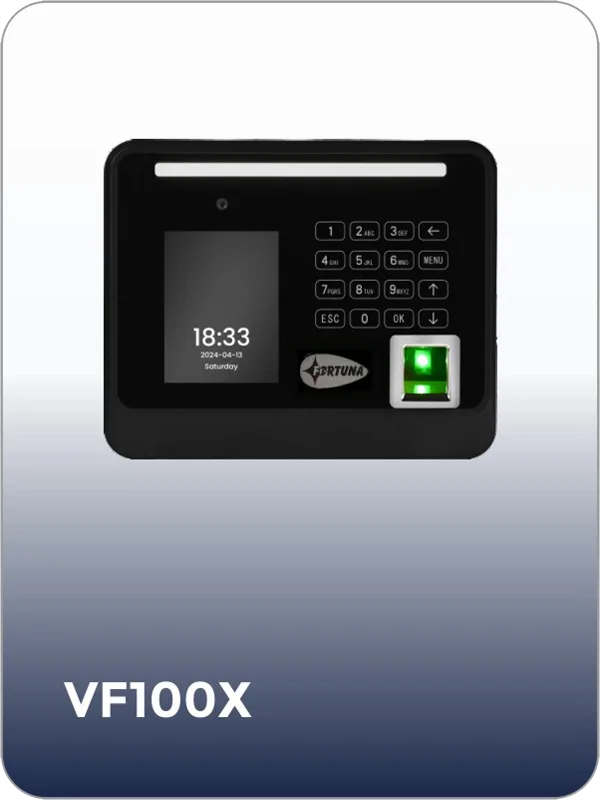
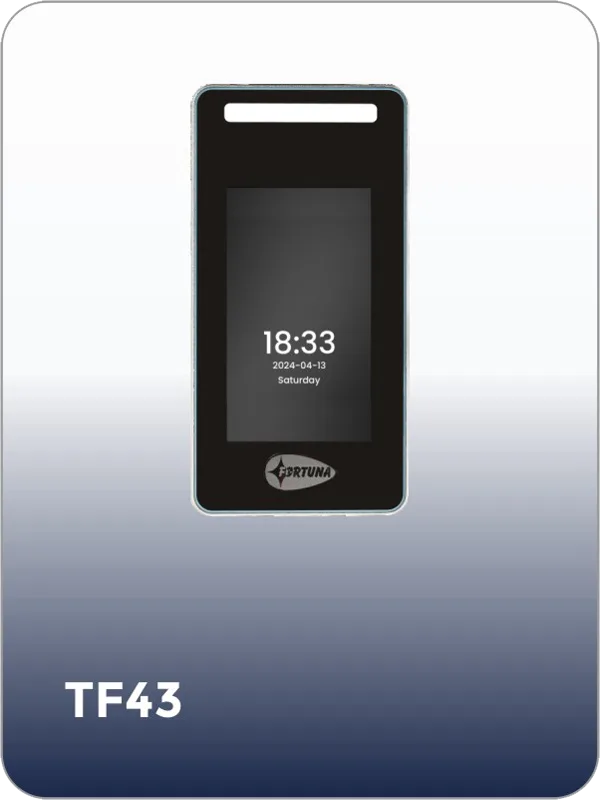
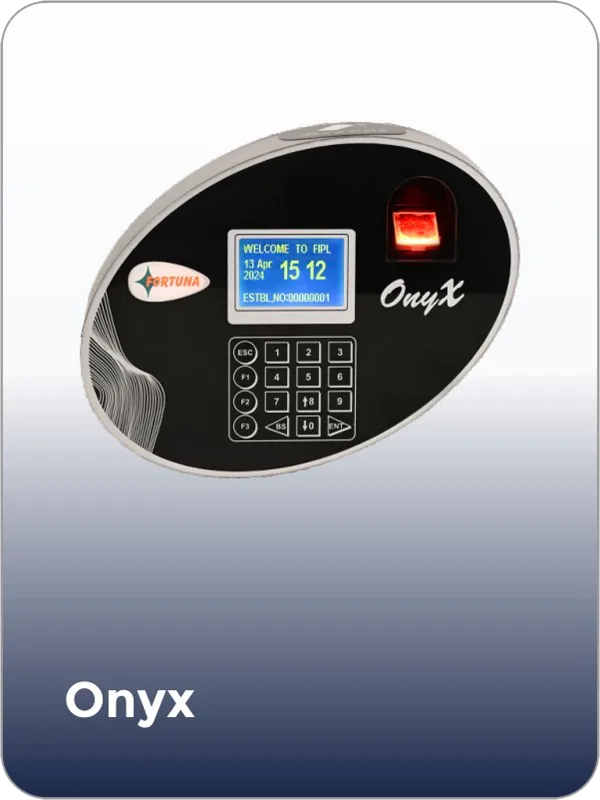
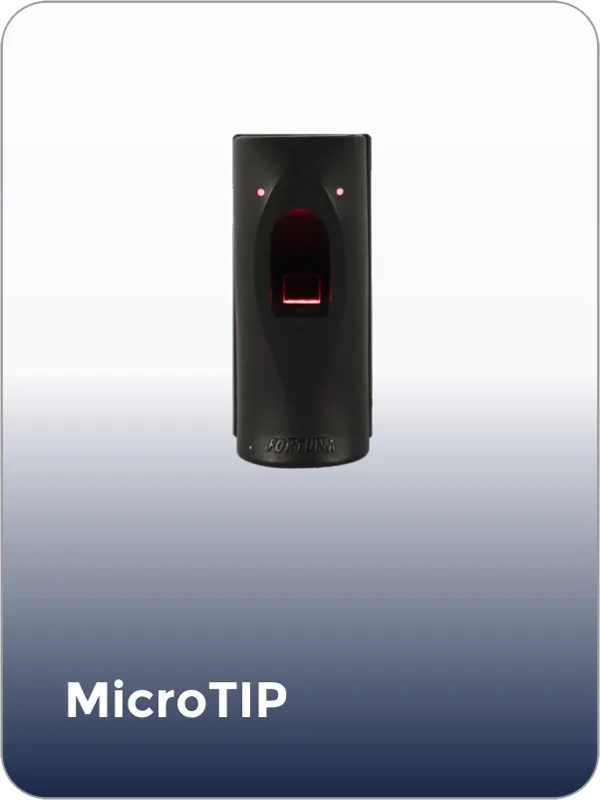
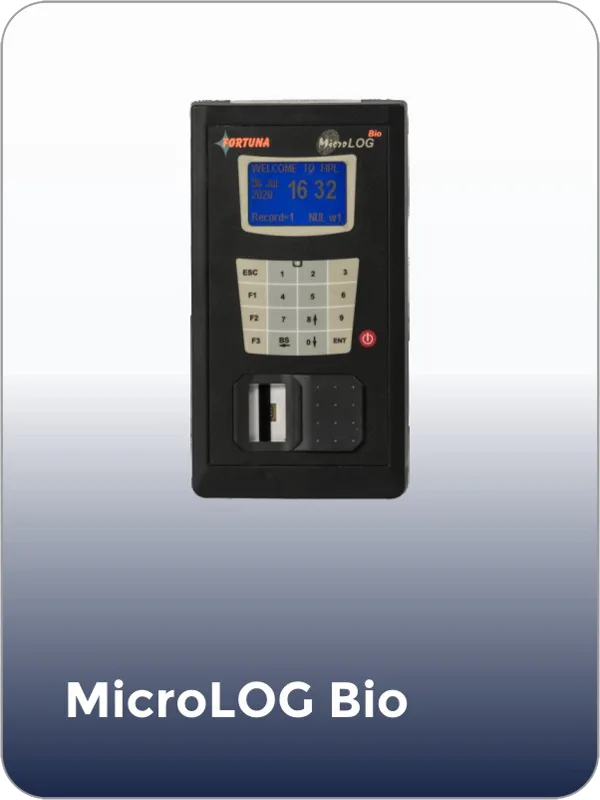
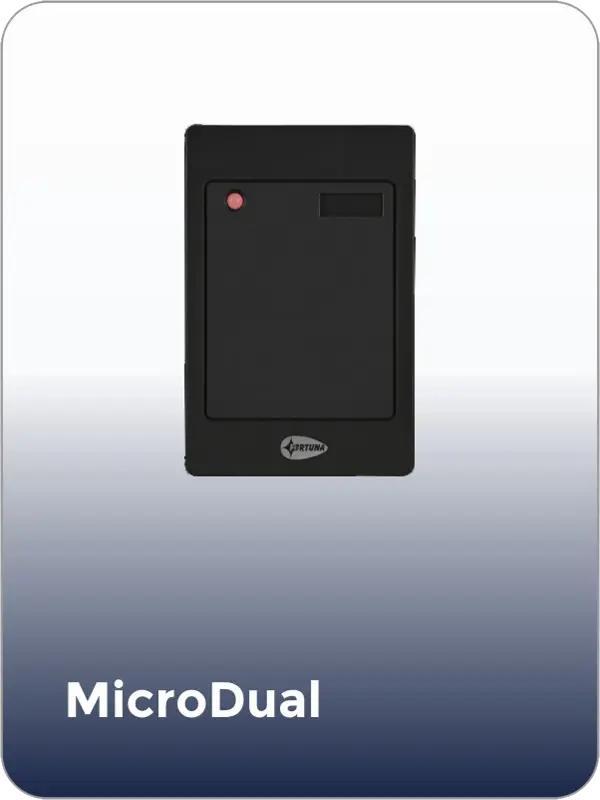
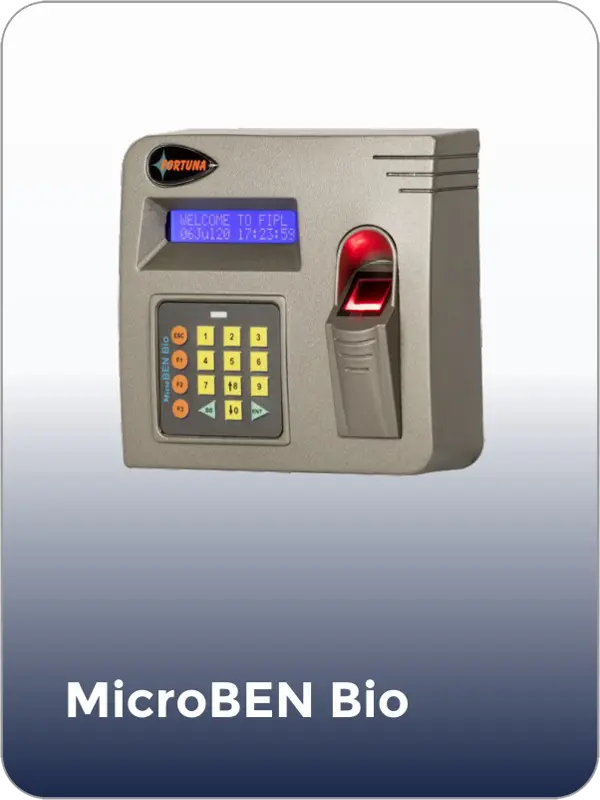
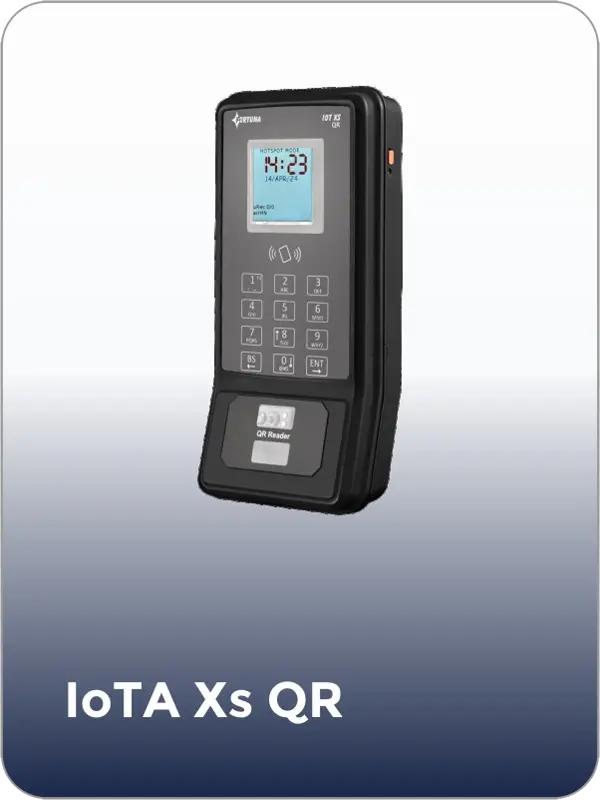
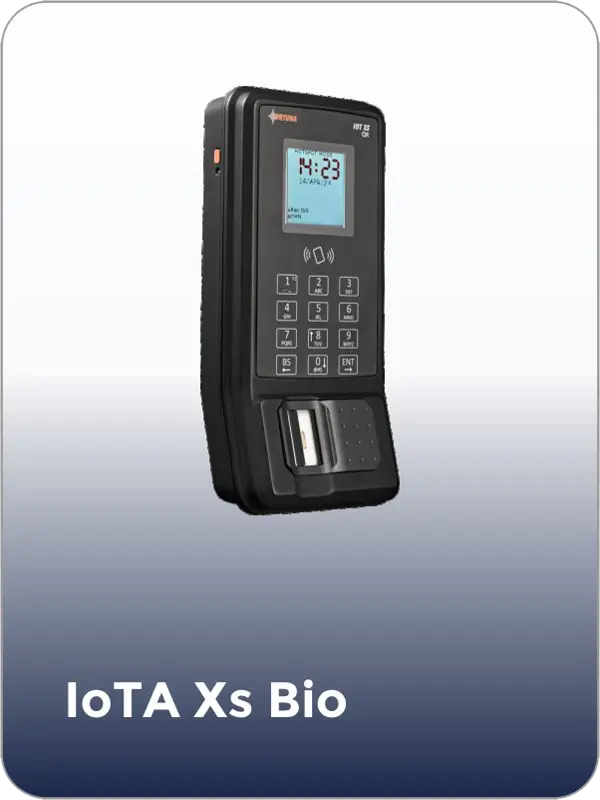
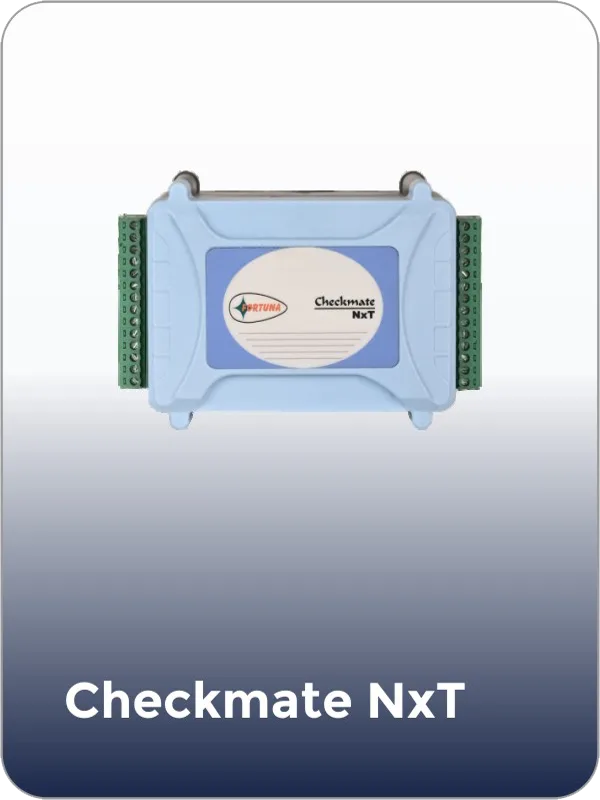
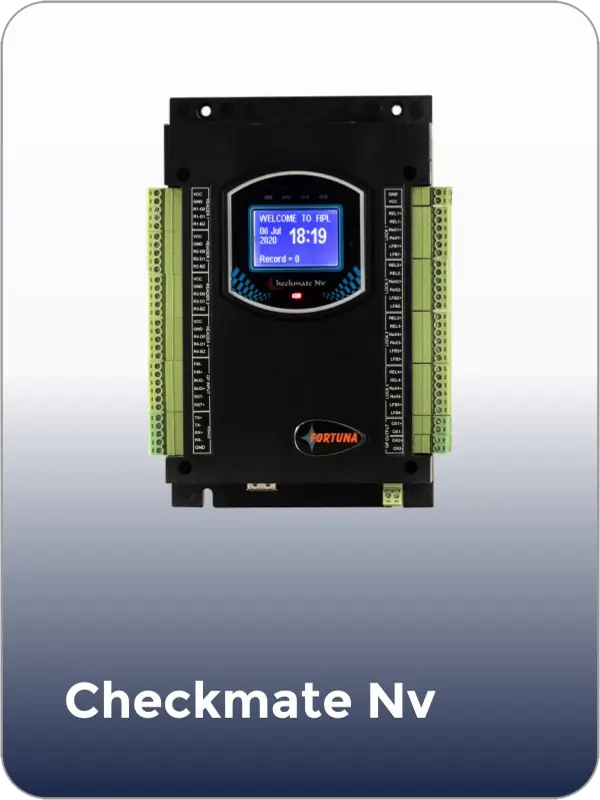
Every networked Fortuna terminal connects to the same REST API, so you build one integration and deploy whichever device the environment needs.
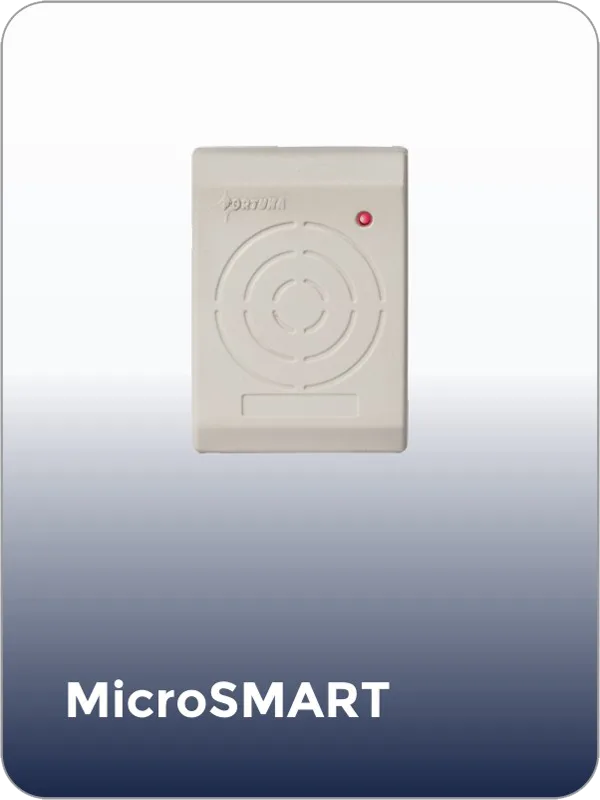
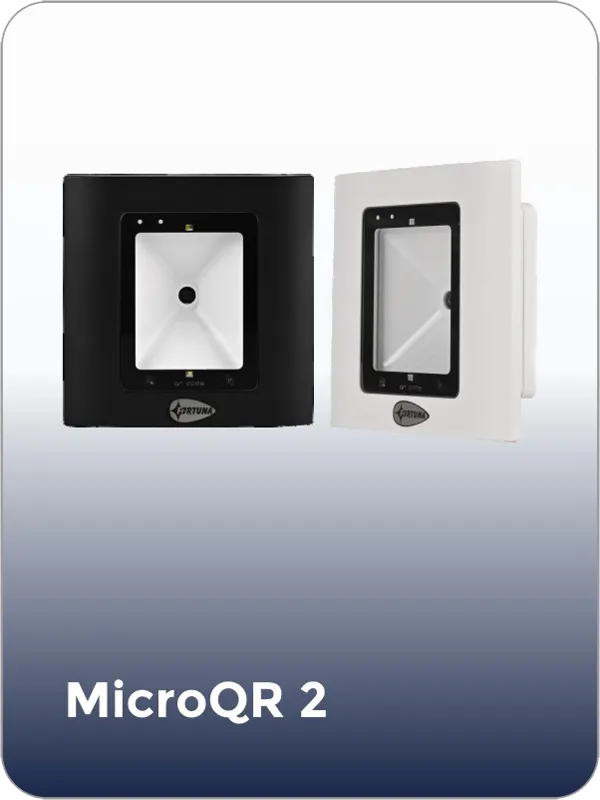
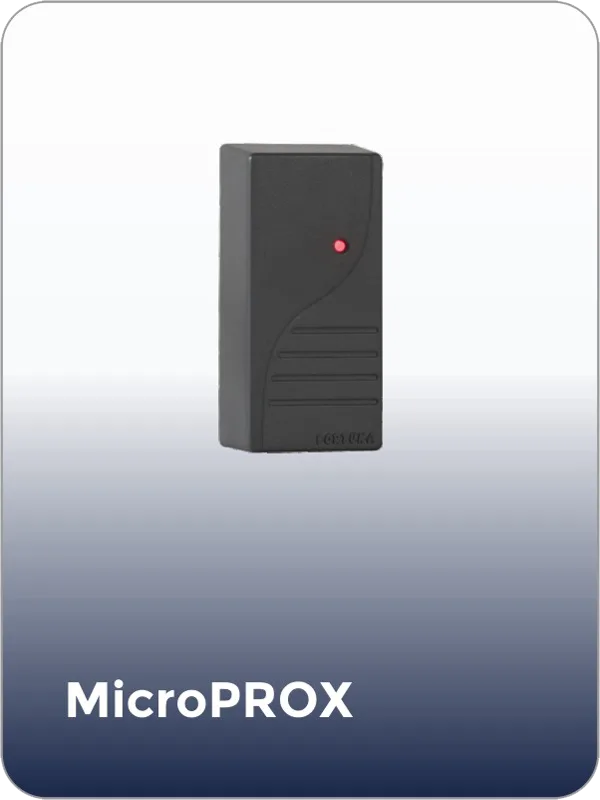
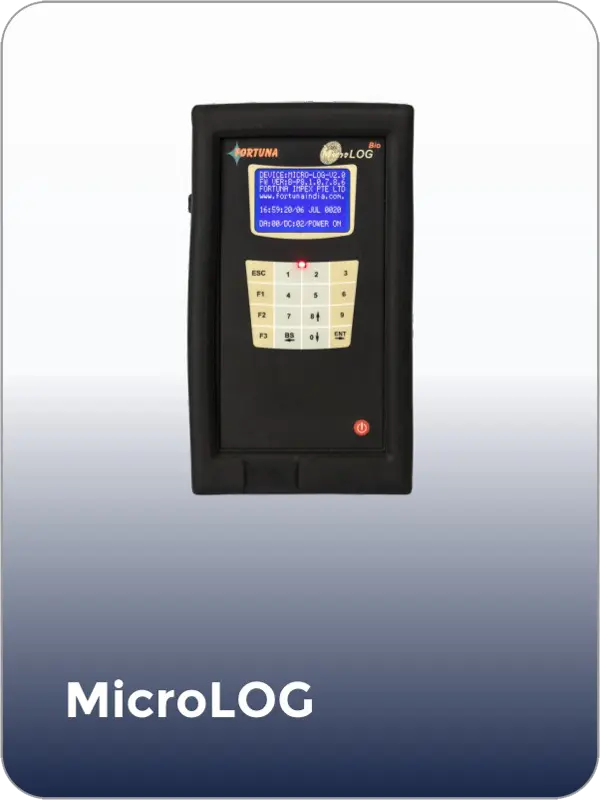
By software type
Push the employee master to the device; pull clock-in/out events; suppress marking on approved leave dates. Your payroll engine consumes the processed attendance.
Hierarchical user sync (department → team → employee), per-client data isolation via multi-tenant accounts, and event logs for audit. Each client's devices report into their own tenant.
Enroll a member's face via the API at signup; validate membership on entry. Real-time at the gate is handled on-device — the terminal grants or denies locally and drives the turnstile, then reports the visit for history and retention analytics.
Student/staff master sync with photos for face enrollment; pull attendance and map it to periods or gate windows; trigger parent notifications from your own workflow. Apply your jurisdiction's rules for minors' data.
Shift-roster integration for rotating nurse/doctor shifts; zone-based access (ICU, pharmacy, records) handled on-device with the API for the audit trail; visitor check-in validation.
One flexible REST API maps to any business logic — logistics, co-working, government, manufacturing. Build one connector and reuse it across every Fortuna device a project needs.
Why Fortuna
Face, fingerprint, card, handheld, and IoT access control all share one API, one auth model, and one JSON format. Build the integration once; it works across every Fortuna model. No device SDK, no low-level commands — standard HTTP.
The platform API is pull-based REST, so your integration stays predictable even on the intermittent connections common at real sites. Devices cache punches locally and sync when the network returns; no data is lost.
Enroll a user by sending a photo — the platform trains the face model and pushes it to the terminals, with no on-device step. Devices can ship pre-configured to your endpoint, so deployment at a client site is a plug-in step.
For access control, the terminal decides locally and drives the door through Wiegand, OSDP, or relay in under a second — no cloud round-trip — while the API delivers the event for logging.
One instance manages many isolated customer accounts. Run it in Fortuna's cloud, your cloud, or fully on-premise for clients in banking, government, defence, or healthcare.
You integrate directly with the company that designs and builds the hardware — no third-party middleware in the path. At volume, devices can carry your branding.
Get API documentation, a Postman collection, and a test device — validate the integration in your own environment, cloud or on-premise, before you commit to volume.
FAQ
Yes, provided the device supports API communication. Devices with a REST API can connect to any software — HRMS, ERP, gym, school, hospital, or custom — regardless of your programming language or framework.
Polling means your software periodically requests new data from the device’s platform. Push means the device sends data to your endpoint automatically when an event occurs. Push is lower-latency but needs a public, always-on endpoint; polling is simpler and needs no inbound access. Fortuna’s platform uses polling (pull); for instant door decisions, Fortuna decides on the device itself rather than via a cloud webhook.
A typical record is JSON over HTTPS containing the user or employee ID, the timestamp, the recognition status (for example, authorized or unrecognized), and the device name — enough to route and process events across sites.
No. API-enabled devices communicate from their firmware. You configure where the device reports (or it ships pre-configured), and it handles communication natively — no agent to install.
Quality devices store punches locally (tens of thousands of records) and sync automatically when connectivity returns, preserving original timestamps. Your integration should reconcile gaps by checking the timeline and pulling any missing records.
Any language that can make HTTP requests — Python, Node.js, PHP, Java, C#, Go, Ruby. Fortuna’s API is language-agnostic REST with no SDK required, so you’re not tied to a specific platform.
It depends on scope. A basic attendance integration — pulling punches and syncing users — is quick; adding access-control rules, multi-site routing, or richer event processing takes longer. Building against real test devices with documentation and a Postman collection is the fastest path.
Yes, but each brand has its own API and data format, so you’d build a connector per brand. A manufacturer with one unified API across its models avoids that — Fortuna uses the same API across face, fingerprint, card, and access-control devices.
Use HTTPS/TLS for all calls, authenticate every request, apply least-privilege access, and log transactions. Store only reference IDs in your software — biometric templates are kept as encrypted mathematical representations on the device, not images, and shouldn’t be copied into your database.
Fortuna offers test devices for integration development. You receive API documentation and a Postman collection, and can validate the integration in your own environment — cloud or on-premise — before committing to volume. Request one below, or see the biometric device API page.
Get started
Get a Fortuna biometric device for your development team with API documentation, a Postman collection, and integration support. Validate the integration in your own environment — cloud or on-premise — before you commit to volume.


fortuna.yellowwood.in
Typically replies within minutes
Any questions related to Integrate Biometric Devices with Software?
WhatsApp Us
Online | Privacy policy
WhatsApp us